Concepts in Design & UX, page 17
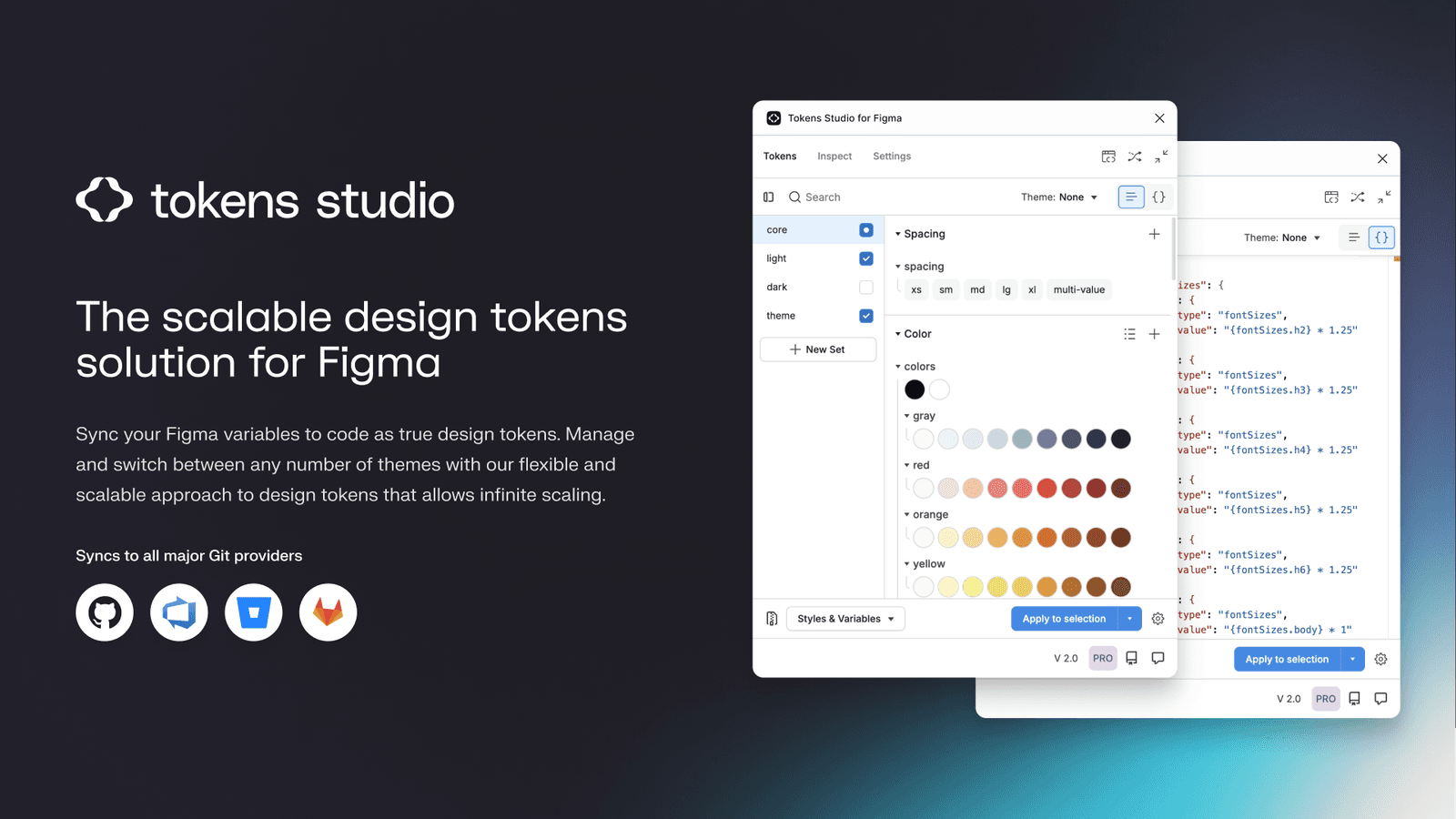
Tokens Studio: Git-Backed Design Tokens in Figma
Tokens Studio treats design tokens like code, using a Git repo as the single source of truth instead of a Figma file. It syncs tokens across files and bridges the gap to developer workflows, enabling a true single source of truth for your design system.
Long-Term Support (LTS): Stability Over New Features
LTS is a promise of stability for a specific software version, trading new features for long-term bug fixes and security patches. It's crucial for production systems like Node.js or Ubuntu. The footgun is assuming all bugs get fixed, not just critical ones.
Target CPA Bidding: Automate Bids to a Target Cost
Target CPA bidding tells Google Ads, "I'm willing to pay this much on average for a customer action." It automates bids to get as many conversions as possible at your target price. The footgun: individual conversions can cost more than your target.
Inclusive Design
Inclusive design reframes disability as a mismatch between user needs and design. Use it where ability, language, culture, gender, or age create barriers. Never treat it as a disability checklist; it is a methodology for diverse needs.
Figma Codegen: Turn Designs into Framework-Specific Code
Figma codegen plugins are custom translators for Dev Mode, turning designs into framework-specific code. Use them to generate React components or extract i18n strings.

Design System Versioning: One Package or Many?
Do you version your design system as one big package or as many small ones? The first ensures consistency, the second offers flexibility. This choice impacts how product teams consume updates.
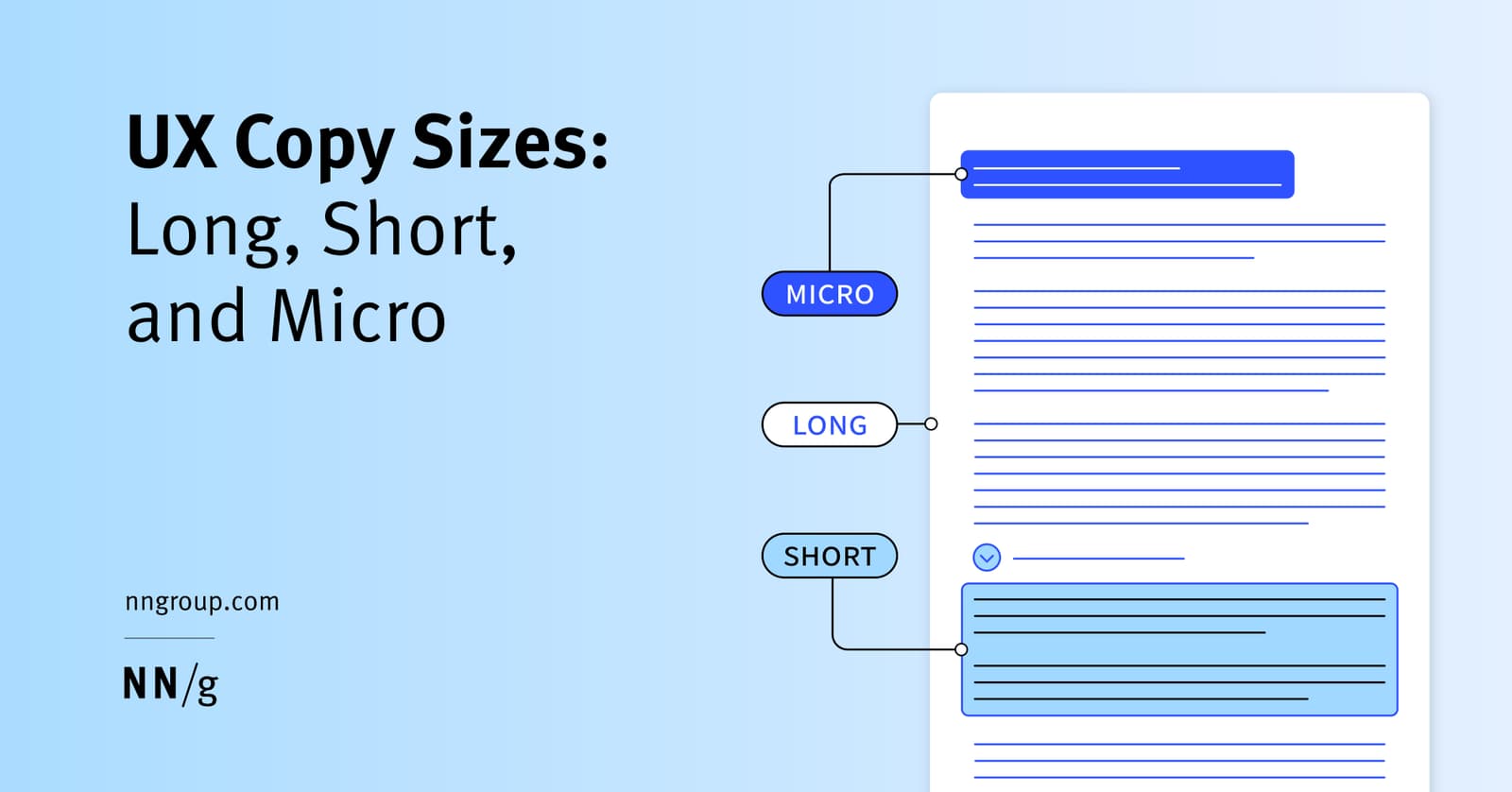
Microcopy: The Small Words with Big Impact
Microcopy is the small, functional text that guides users through an interface. It's the button labels, error messages, and tooltips that help users complete tasks.

International UX Research: The Adaptation Spectrum
Researching cultural differences reveals whether to translate text or fully localize an interface. Global products flop when teams ship domestic designs abroad. The footgun is skipping local user testing to validate what actually needs to change.
Figma's Plugin API: Read and Write to the Canvas Tree
Think of a Figma file as a node tree. The Plugin API gives your JavaScript code read/write access to this tree to automate design tasks. Use it to batch-edit layers or generate content. The main footgun: files load dynamically, so you must use async APIs.
Theme Provider Pattern: Centralized UI Styling
A Theme Provider acts like a global style guide, injecting design tokens like colors and fonts into all child components. It's used in frameworks like React to ensure a consistent look and feel. The footgun: components outside the provider won't get the theme.
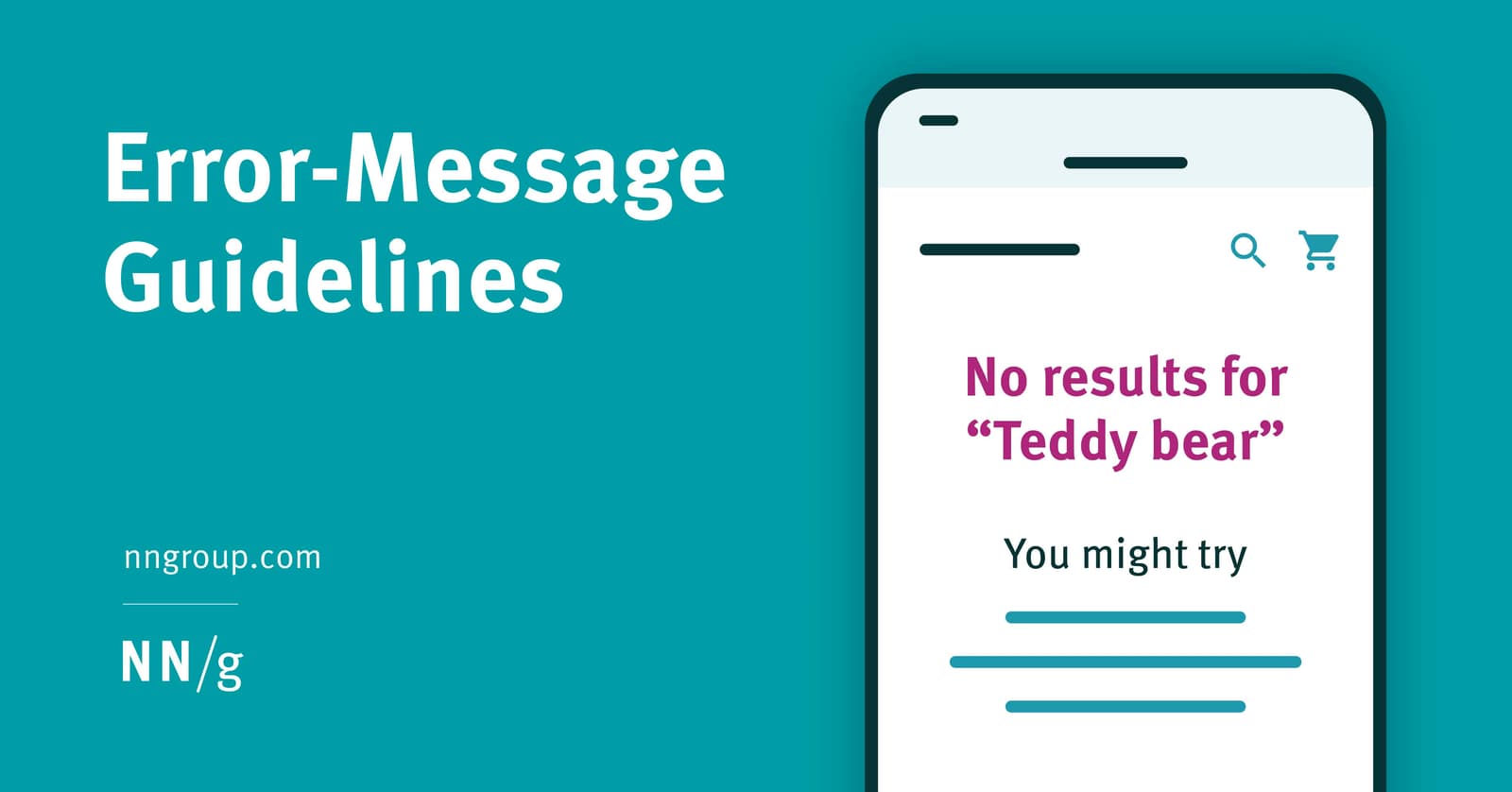
Designing Helpful UX Error Messages
An error message is a guide, not a dead end. Design them to be visible and constructive by placing them near the error's source with clear, high-contrast styling. The footgun is showing errors prematurely, which feels hostile and punishes exploration.
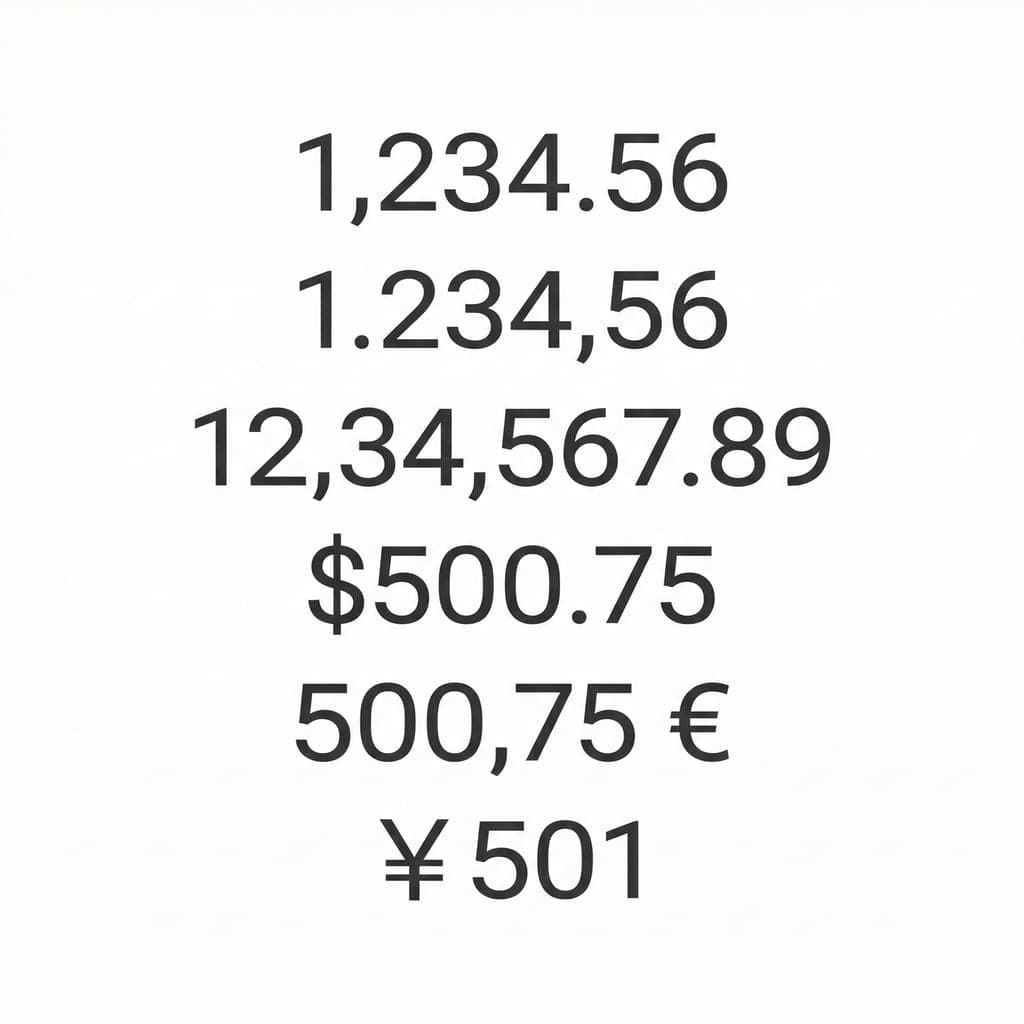
i18n Testing: Check Scripts, Not Just Strings
i18n testing checks your product works across languages, scripts, and cultures before shipping. It catches rendering and layout failures in Arabic, Hebrew, Chinese, Japanese, or Korean contexts.
Building Custom Figma Widgets with the Widget API
Build interactive objects on the Figma canvas using a React-like API. The Widget API uses components, functions, and hooks to create tools like polls or timers. The footgun is forgetting useSyncedState, which breaks your widget in multiplayer sessions.

CSS Custom Properties: Variables for Your Stylesheet
CSS custom properties are variables for your design system. Define a value like --primary-color once on :root and reuse it everywhere. This is ideal for theming, like switching between light and dark modes.
Tooltips: For Optional Hints, Not Critical Info
Tooltips are hover-activated hints providing optional, extra context for UI elements. Use them to explain why a form field is needed or what an ambiguous icon means. The footgun is hiding critical info, like password rules, inside them.
Localization Testing Validates Regional Adaptation
Localization testing verifies that regional adaptation accounts for differences in distinct markets. It validates the second phase of internationalization and localization, catching the assumption that translation alone is enough.
Information Architecture: The Blueprint for Your App
Think of Information Architecture (IA) as the blueprint for an app, defining its structure before visual design begins. It dictates navigation and content organization to make things findable.
prefers-color-scheme: Respect User Theme Preferences
The prefers-color-scheme media query lets your CSS automatically adapt to a user's system-wide light or dark mode. It's used to create themes that respect user preferences.
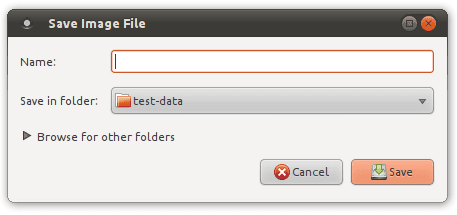
Progressive Disclosure: Show, Don't Overwhelm
Progressive disclosure is a guided tour for your UI, revealing information only as needed. It simplifies complex forms and setup wizards by deferring advanced options, making apps easier to learn.
Experience Sampling: In-the-Moment User Reality
ESM captures in-the-moment states before memory distorts them. Use it when you need longitudinal data on behavior fluctuations, not just recalled summaries. The footgun is delay: even brief lag lets participants reconstruct instead of reporting experience.
We are hiring for this. Every open role lists the topics its interview covers, so you can prepare for the real thing rather than guessing.
See open roles