Concepts in Design & UX, page 22
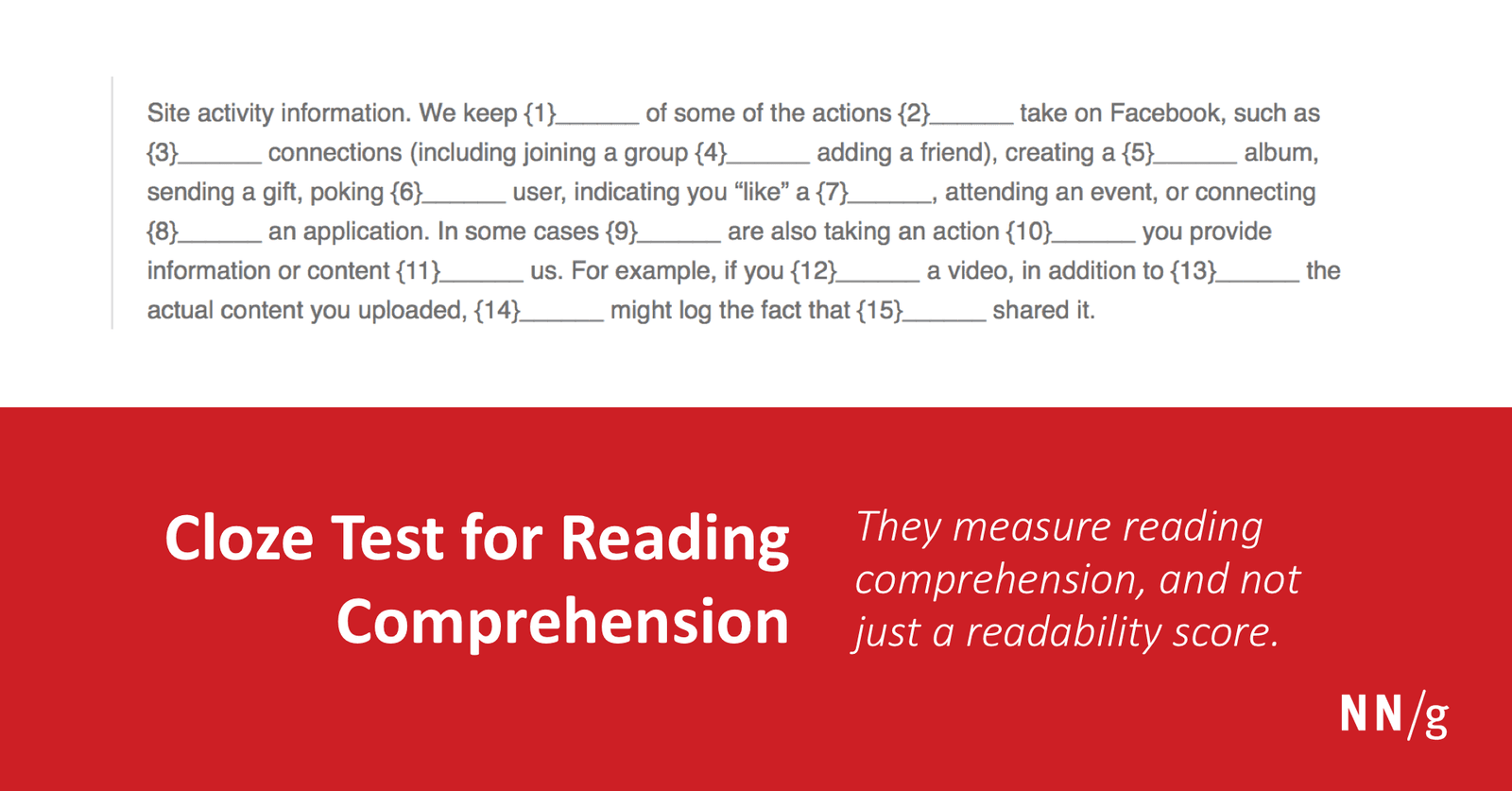
The Cloze Test: Measuring Comprehension, Not Just Readability
A Cloze test measures if users truly understand your text, not just if it's easy to read. By replacing every Nth word with a blank and asking users to guess, you can test comprehension directly.
Informed Consent in UX Research
Informed consent is the ethical line between a casual chat and research abuse. Once you record, transcribe, or share participant data, you need explicit permission. The footgun is treating a friendly call as private when your notes permanently expose it.
Prototype Triggers: Defining How Users Interact
A prototype trigger is the 'if' in an 'if-then' UI interaction, defining the user input that causes a change. It's used in design tools to simulate app behavior, from clicks to drags.
Your Design System's SLA: The Contract for Reliability
A Design System SLA is a contract defining the system's reliability and support promises. It specifies uptime guarantees, support hours, and incident response times, helping you assess if the system is a dependable foundation for your product.
A/B Testing: Calculating Your Sample Size
Calculating A/B test sample size ensures your results are statistically significant, not just random noise. It's vital before testing anything from button colors to headlines. The biggest footgun is stopping a test early when a variant looks like it's winning.
Lean UX: Outcomes Over Deliverables
Lean UX treats design as a hypothesis, not a specification. Cross-functional teams run minimum viable experiments, gather user feedback early, and iterate. The footgun: obsessing over polished deliverables instead of validated learning.
Prototype Animations: Guiding Users Between States
Think of prototype animations as visual storytelling, showing the relationship between a user's action and the resulting UI state. Use them to show menus expanding or pages sliding in.
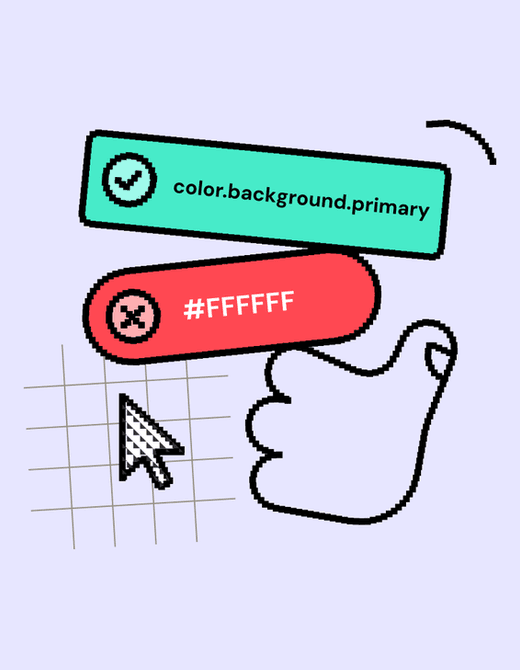
Design Linting: A Spellchecker for Your Designs
Design linting is like a spellchecker for your design files, automatically flagging inconsistencies against your design system's rules. It helps maintain visual consistency at scale and speeds up design reviews.
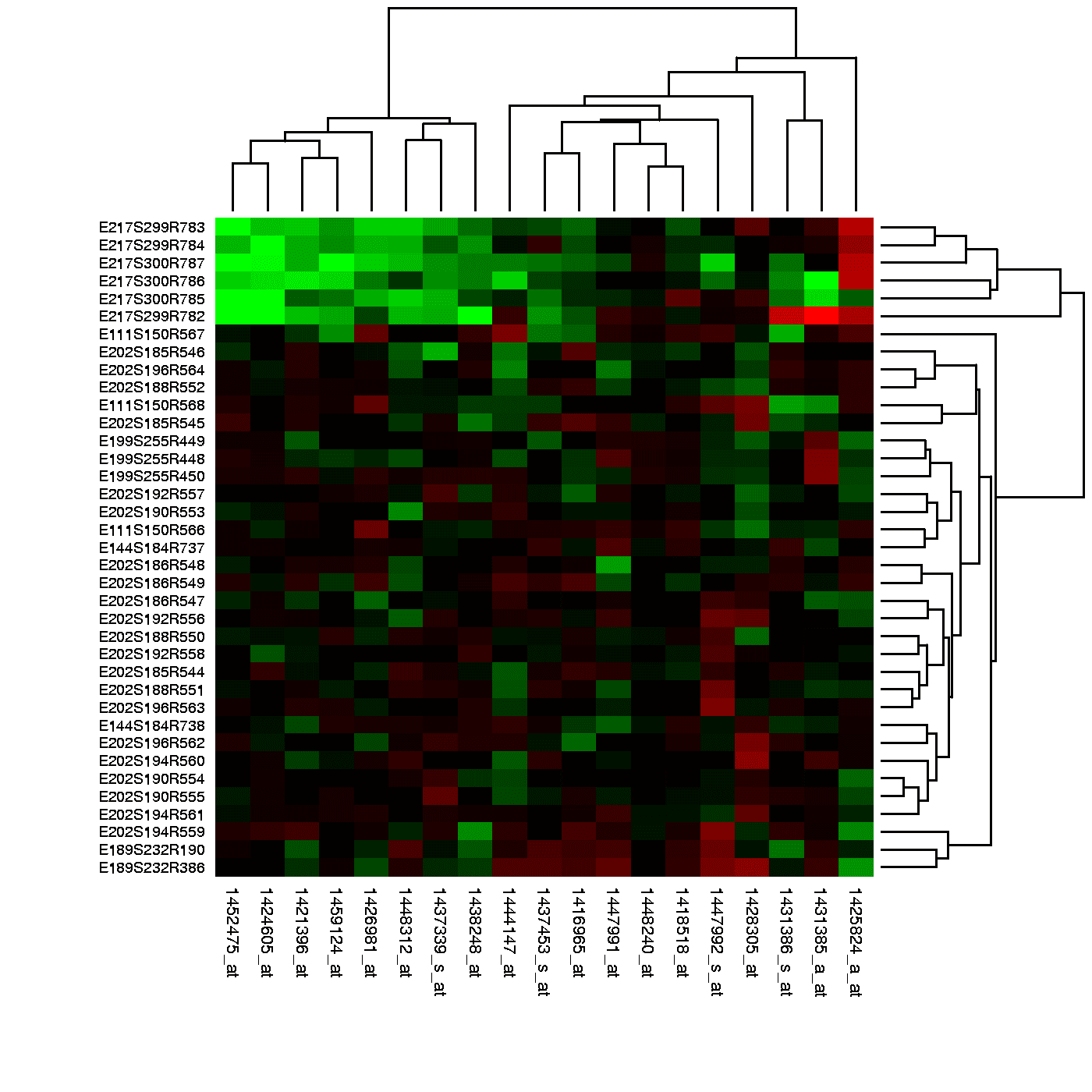
Heatmap Analysis: Seeing Where Your Users Look
A heatmap is a weather map for your webpage, showing 'hot' spots of high engagement and 'cold' spots users ignore. Use it to see which headlines get clicks or how far down a sales page users scroll.
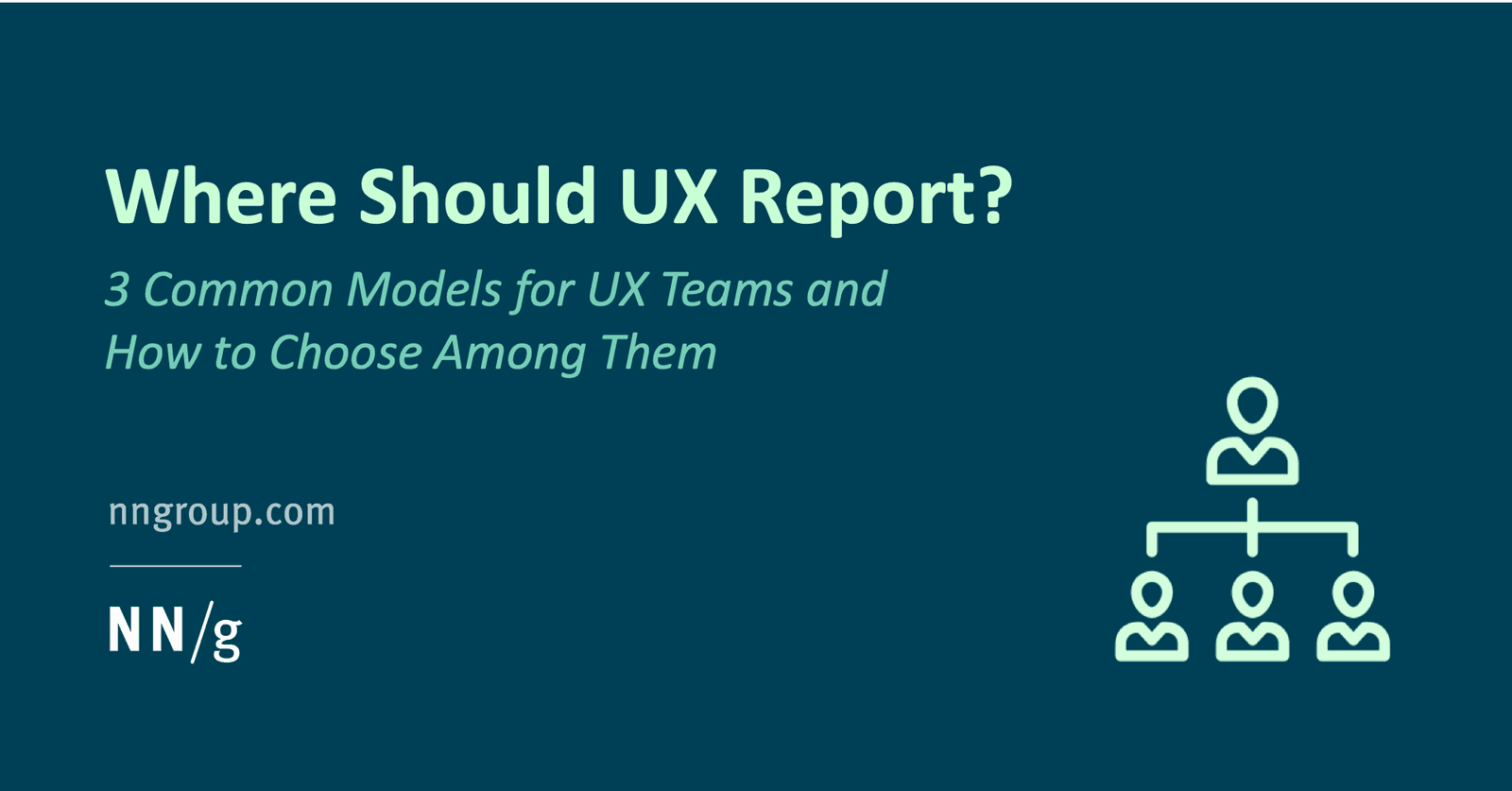
Centralized vs Decentralized UX Research Teams
Centralized UX works like an agency, loaning researchers to products and returning them to a resource pool; decentralized embeds UX in product teams. This matters when UX is added after engineering. The footgun is freezing structure rather than evolving it.

Design System Governance: Preventing UI Drift
Design system governance is the constitution for your UI, defining how components evolve, not just what they are. It prevents the slow drift where production code diverges from the Figma library as teams make local exceptions.

Measuring Design System Adoption: From Vanity to Value
Measuring design system adoption means tracking real usage in code, not just documentation views. It's key for justifying budget and prioritizing work. The main footgun is mistaking site traffic for actual implementation in production.
Session Replay: A DVR for Your User's Experience
Session replay is like a DVR for your website, letting you watch a user's exact journey. It's used to debug issues, find conversion blockers, and understand user behavior. The footgun is watching aimlessly; without a hypothesis, you're just invading privacy.

The UXR Career Ladder
A UXR career framework turns vague promotion conversations into clear skill targets. Use one when you are a team of one or a manager defining growth criteria. Without it, you stay reactive and unable to prove you are already operating above your level.
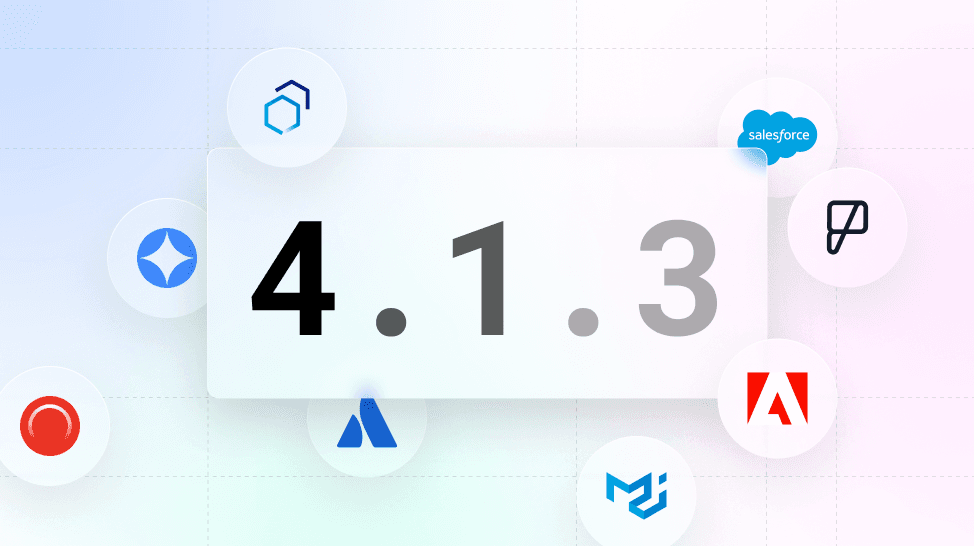
Versioning a Design System with Semantic Versioning
Use Semantic Versioning (MAJOR.MINOR.PATCH) to signal the impact of design system changes. This tells teams if an update is a breaking change (MAJOR), a new feature (MINOR), or a bug fix (PATCH).

Design System Pilots: Test Your System Before You Ship It
A design system pilot is like a TV pilot: you test your system's core ideas on a real product before a full v1 launch. Use it to battle-test components and find the 20% of work that solves 80% of problems.

Copy Editing: More Than a Spell Check
Copy editing is structural work on your writing, fixing clarity, flow, and accuracy—not just a final spell check. It happens after drafting but before layout, ensuring the core message is sound. The footgun is asking for a proofread when you need a copy edit.

Peer Review: Research's Blind Spot Check
Peer review is a blind spot check by qualified strangers who have no stake in your success. It keeps published research honest by catching flaws the author missed. The trap is treating publication as truth just because it survived review.

Drive Design System Adoption, Don't Just Build It
Treat your design system like an internal product, not a one-off project. To drive adoption, show quick, measurable wins and offer tiered onboarding for different roles.
Design System Migration: A Campaign, Not a Mandate
Migrating to a new design system is a campaign to win over teams, not just a technical refactor. Use strategies like piggybacking on features (Trojan Horse) or starting with willing teams to build momentum and avoid getting stalled by resistance.
We are hiring for this. Every open role lists the topics its interview covers, so you can prepare for the real thing rather than guessing.
See open roles