Concepts in Design & UX, page 8

Content Gap Analysis: Find and Fill Your Content Holes
A content gap analysis is like scouting your competitors' playbook to find winning topics you're not covering. Use it to find keywords they rank for but you don't, helping you capture their traffic.
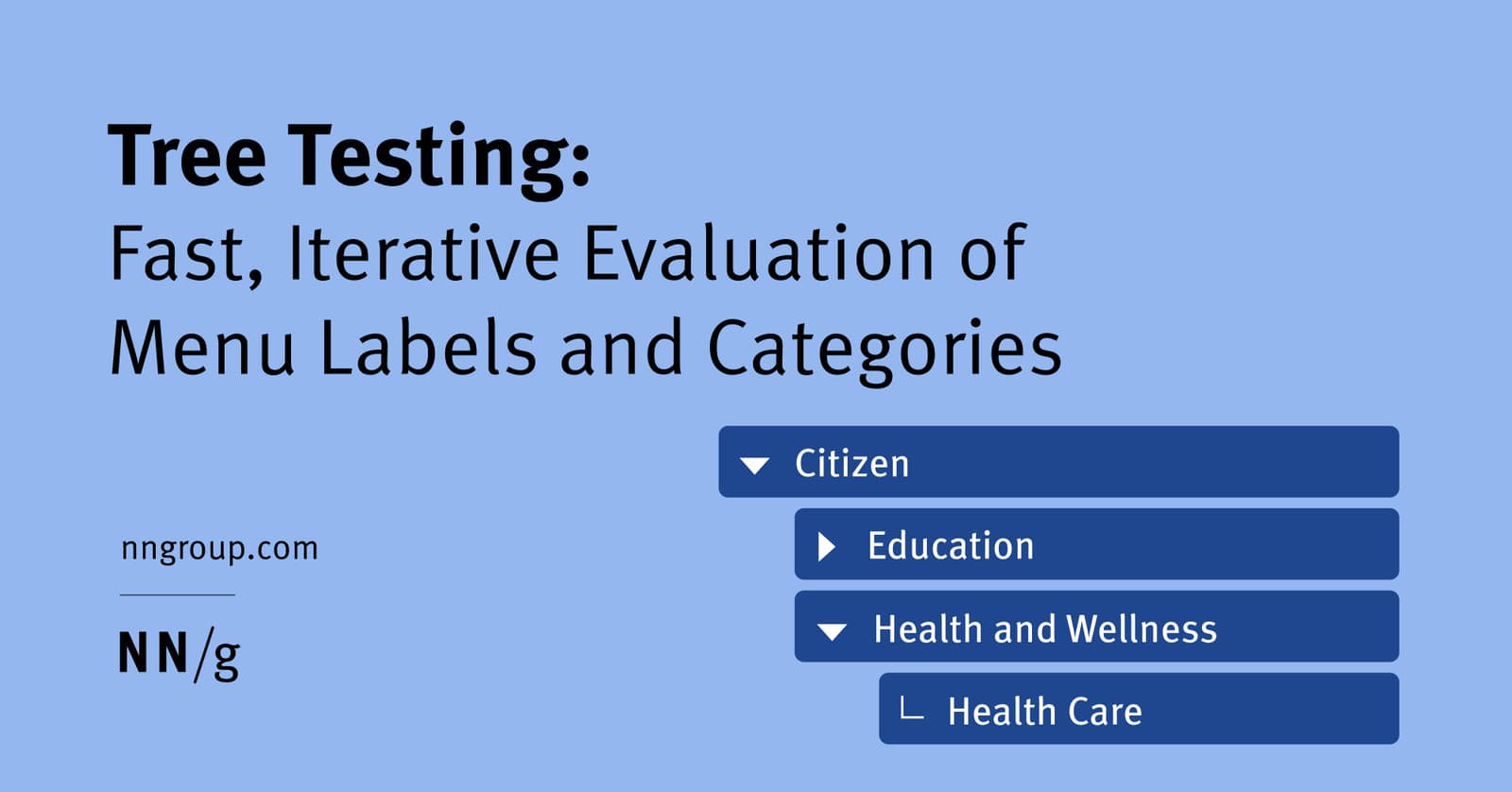
Tree Testing: Validate Your Site's Navigation Structure
Tree testing validates your site's navigation by asking users to find items in a text-only hierarchy. It's used to test a proposed information architecture before any UI is built. The footgun is confusing it with card sorting, which creates a structure.

Automated Prop Docs with Storybook Autodocs
Storybook Autodocs generates a docs page from component stories and inferred metadata such as args and argTypes. It keeps examples close to the component, but output depends on framework support, types, and descriptions.

Content Mapping: Charting the Customer Journey
Content mapping plots your content against the customer journey, ensuring you provide the right information at the right time. It's used to move from random content acts to a strategic plan that answers customer questions at each stage, from awareness to…
Cognitive Walkthrough: See Through a New User's Eyes
A cognitive walkthrough is like role-playing a new user trying a specific task for the first time. It finds usability flaws early by simulating a first-time user's journey. The footgun is confusing it with a holistic review; this method is for specific tasks.
Figma Team Libraries: A Single Source of Truth
Think of a Figma Library as a shared box of official LEGOs for your team. It ensures everyone uses the same approved components, styles, and variables, keeping designs consistent. The biggest footgun is forgetting to publish changes to the main components.
Content Lifecycle Management: From Idea to Archive
Think of content not as a one-off post, but as an asset with a lifecycle from creation to retirement. This structured approach helps manage large sites, ensuring content stays fresh.

Desirability Testing: Quantifying User Feelings
Desirability testing quantifies user feelings with a controlled vocabulary, asking them to pick words from a list that describe a design. It measures emotional response to visual appeal or UX, often with just a screenshot.
Auto Layout's `border-box`: strokesIncludedInLayout
Figma's strokesIncludedInLayout is the equivalent of CSS box-sizing: border-box. It makes an Auto Layout frame's total dimensions include its stroke, preventing size changes.
Storybook: A Workshop for Isolated UI Components
Storybook is a workshop for building UI components in isolation, separate from your app's business logic. It's ideal for developing edge cases and documenting a design system.
Content Governance: The Rulebook for Your Content
Content governance isn't about writing; it's the rulebook for *how* content is created, managed, and retired. It defines roles, standards, and processes to ensure consistency and quality at scale. The footgun is buying a CMS without a governance plan.

Eye Tracking: See What Your Users Actually See
Eye tracking reveals what users actually look at, not just what they say they do. It's used in UX to generate heatmaps showing which UI elements draw the eye. The footgun: a long gaze can mean interest, but it can also mean confusion.

Package Publishing: Sharing Your Code with the World
Publishing a package is like adding a book to a public library, making your code reusable with one command. It's essential for sharing design system components or utilities. The footgun: accidentally publishing secrets or making a private package public.
Search Intent: What a User Really Wants
Search intent is the 'why' behind a search query, not just the 'what'. It's essential for SEO and conversion optimization, revealing if a user wants to buy, learn, or navigate. The footgun is matching keywords but ignoring the user's actual goal.
GOMS Model: Predicting User Performance as a Script
The GOMS model predicts expert user performance by breaking down tasks into a script of Goals, Operators, Methods, and Selection rules. It's used to get quantitative estimates of task efficiency, but its footgun is assuming a perfect user who never makes…
Figma Variables: The Single Source of Truth for Tokens
Figma variables are the central vault for your design tokens, letting you reference a name like color-background instead of a hardcoded value. Use them to build scalable themes and update spacing across an entire app.

Title Tags: Your Page's Clickable Headline on Google
A title tag is your webpage's clickable headline in search results, acting as its first impression. It appears on SERPs, browser tabs, and social media, helping users and search engines understand your content and boosting click-through rates.
Pluralistic Walkthrough: Diverse Roles, One User Task
A pluralistic walkthrough is a group critique where developers, users, and UX pros role-play as end-users to find flaws in a design. It's used early to catch issues cheaply. The footgun is letting developers defend their work instead of listening.
Figma Components: Main vs. Instance
Think of a main component as a cookie cutter and instances as the cookies. The main component defines the master design (e.g., a button's shape). Instances are linked copies you use everywhere.
Monorepos: A Design System's Single Source of Truth
A monorepo places your design system and its consuming apps in one repo. This enables atomic changes: update a component and all its consumers in a single commit. It's ideal for keeping UI consistent, but requires strict tooling to avoid becoming a monolith.
We are hiring for this. Every open role lists the topics its interview covers, so you can prepare for the real thing rather than guessing.
See open roles