Everything in Frontend Dev, page 51

JSX: Putting HTML Inside Your JavaScript Components
JSX is a syntax extension that lets you write HTML-like markup directly inside your JavaScript files, keeping UI logic and structure together. It's the standard way to define a React component's output. The footgun is that JSX is stricter than HTML.
React Components: Your UI Building Blocks
Think of React Components as custom, reusable HTML tags you create with JavaScript functions. Use them to build everything from buttons to page layouts, speeding up development.
Component Usage Guidelines: The Manual for Your Design System
Usage guidelines are the instruction manual for your design system, ensuring consistency. They prevent developers from guessing button states and designers from stretching logos.

Bundle Size: When Runtime Dependencies Defeat Tree Shaking
Tree Shaking is static, but your app is dynamic. It can fail when a component imports a large dependency for an optional, runtime-configured feature. A UI library's provider might pull in an entire form library, even if you don't use it.

Atomic CSS: Styling with Single-Purpose Utilities
Atomic CSS builds interfaces with tiny, single-purpose classes directly in your HTML, like using LEGO bricks for styling. It's the core of frameworks like Tailwind CSS, letting you build UIs without writing custom CSS. The footgun is creating unreadable HTML.
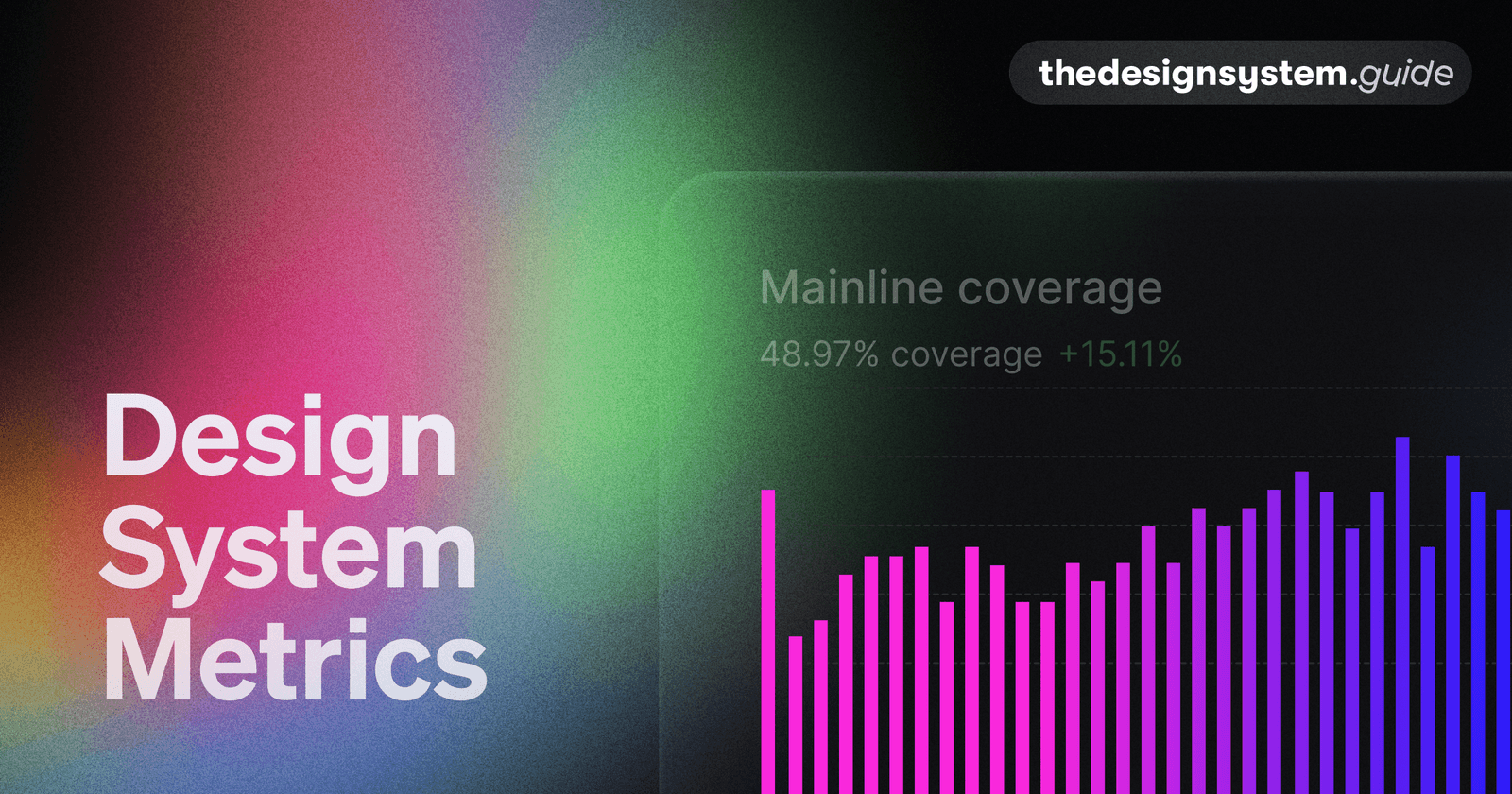
Design System Metrics: Proving Its Worth
Prove your design system's value with data, showing it's a force multiplier, not just a library. Track metrics like component adoption and faster time-to-market to justify budget and guide your roadmap. The footgun: avoid vanity metrics like component count.
Architectural Decision Records (ADRs): Documenting 'Why'
An ADR is a short text file capturing the 'why' behind a key engineering choice. Use it for big decisions like choosing a library or defining a core pattern.
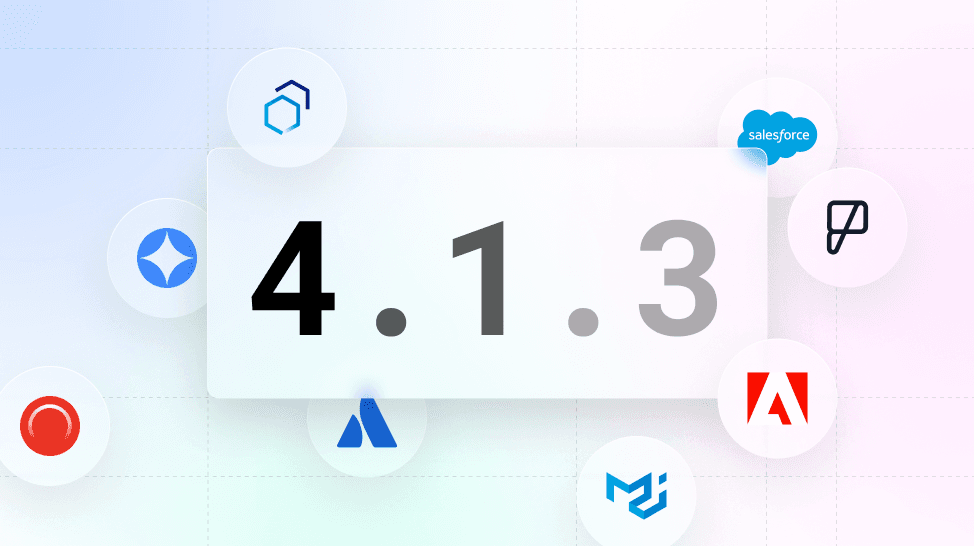
Versioning Design Systems: Holistic vs. Incremental
Versioning a design system is about communicating change. Use Semantic Versioning (MAJOR.MINOR.PATCH) to signal update impact. This prevents teams from using outdated components, ensuring consistency.
Design System Governance: Preventing UI Chaos
A design system governance model defines the rules for evolving your UI library, preventing a free-for-all of conflicting changes. It dictates how new components are proposed and approved.

Atomic Design: Building UIs from the Smallest Parts
Atomic Design treats UIs as thoughtful hierarchies, building interfaces from the smallest parts up. This methodology helps create robust design systems for rolling out consistent UIs faster across countless devices. The footgun is seeing it as a rigid process.
Sass Control Directives: Logic in Your Stylesheets
Sass control directives bring programming logic—if/else, loops—into your CSS preprocessor. Use them to generate component variations or utility classes without repetitive code.

Source Maps: Debug Your Compiled CSS
Source maps are a decoder ring for your browser's dev tools, translating minified CSS back to the original SCSS or LESS files you wrote. This lets you debug styles in your source code, not the unreadable compressed output.
PostCSS Preset Env: Write Future CSS Today
postcss-preset-env is like Babel for CSS, transpiling modern syntax into code older browsers understand. Use it to write features like nesting or color-mix() today. The footgun: it only polyfills Stage 2+ features by default; you must opt-in for more.

Mobile-First Design: Start Small, Then Scale Up
Mobile-first design means building for the smallest screen first, then enhancing for larger ones. This ensures a solid baseline experience on phones, where most users are. The footgun is thinking it's just CSS, not a content-first strategy.
CSS Combinators: Targeting by Relationship
CSS combinators target elements by their DOM relationship, not just class or ID. They let you select an element inside another (div p) or right next to one (h2 + p). This is key for styling nested menus or spacing adjacent items.
CSS Houdini: Extending the CSS Engine
CSS Houdini gives developers low-level access to the browser's rendering engine, letting you write your own CSS features. Use it to polyfill new CSS or define type-safe custom properties with @property, preventing invalid values from being silently ignored.
CSS Anchor Positioning: Beyond the Containing Block
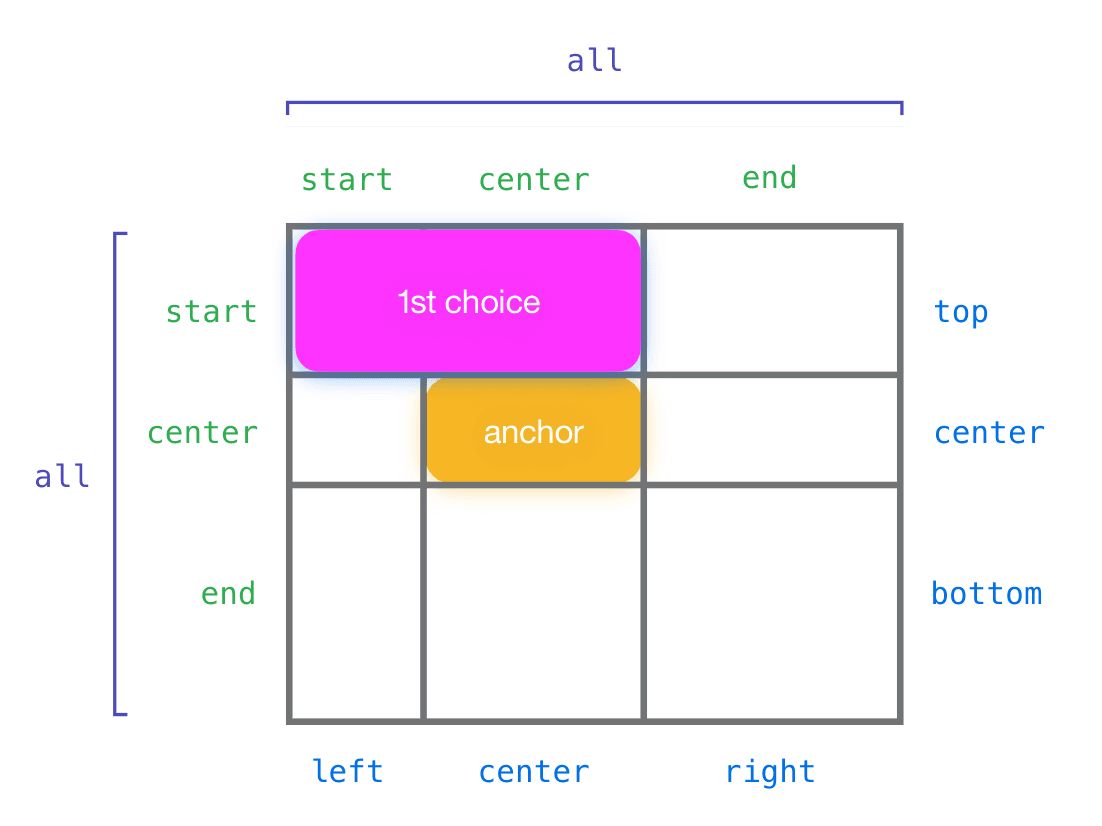
CSS Anchor Positioning lets you tether an element to any other element, not just its parent. Use it for popovers or tooltips that automatically reposition to stay in view. The footgun is forgetting to explicitly name your anchor with anchor-name.
View Transitions API: Animate Between DOM States
The View Transitions API lets the browser handle complex animations between page states. It simplifies transitions in Single-Page Apps and, for the first time, enables them for Multi-Page Apps. The main footgun is forgetting it's a progressive enhancement.
CSS Masking: Using Stencils for Web Elements
CSS masking is like a stencil for your elements. You provide a shape, and only the parts of the element under the stencil's cutout are visible. Use it for non-rectangular shapes, like text cutouts.
color-mix(): CSS's Native Color Blender
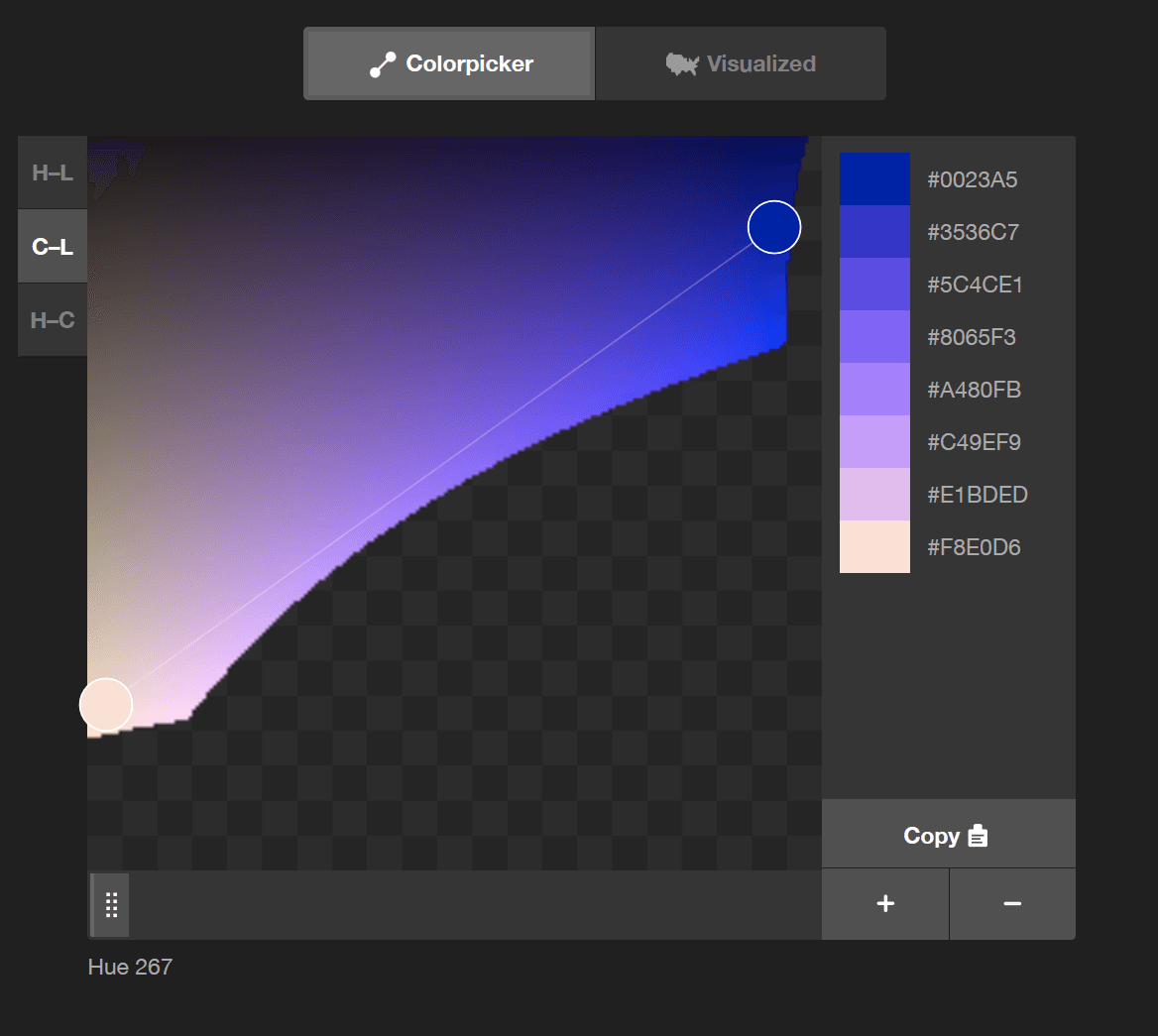
color-mix() lets you blend two colors directly in CSS, like mixing paint. Use it to generate theme variations, like hover states, from a base color. The chosen color space (e.g., srgb, oklch) dramatically changes the result, so always specify it.
We are hiring for this. Every open role lists the topics its interview covers, so you can prepare for the real thing rather than guessing.
See open roles