Intermediate concepts in UX Research
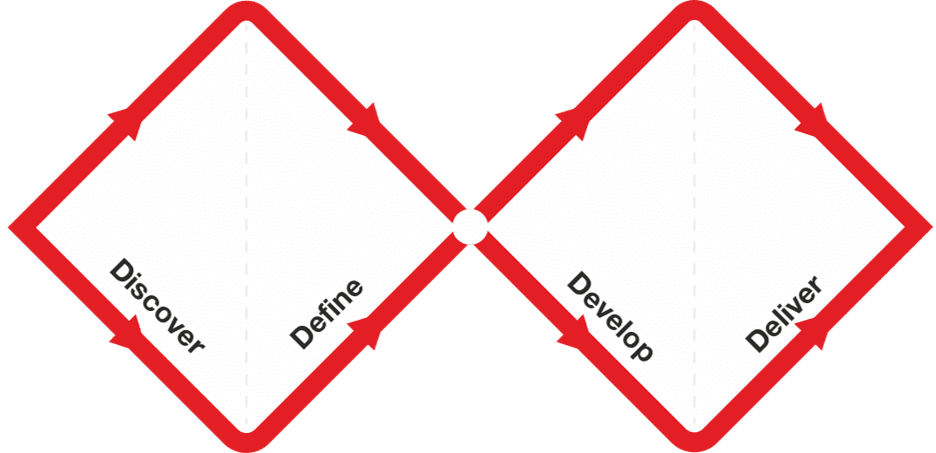
Double Diamond: Explore, Then Focus, Twice
The Double Diamond model prevents building the wrong thing by forcing two cycles of 'go wide, then narrow down.' First, explore the problem space, then define a specific problem. Second, explore solutions, then deliver a tested one.
Jobs to Be Done: Sell the Hole, Not the Drill
The Jobs to Be Done framework says customers 'hire' products to get a job done. Instead of selling a drill, sell the quarter-inch hole. This reframes innovation around stable customer needs, not temporary product features.
Formative vs. Summative Evaluation: Improve vs. Judge
Formative evaluation improves a design in progress; summative evaluation judges a finished one. Use formative tests to find and fix flaws iteratively. Use summative tests to measure a shipped product against a benchmark, like a prior version or a competitor.
Data Minimization: Collect Only What You Need
Treat user data like a liability, not an asset. The Data Minimization principle states you should only collect personal data that is strictly necessary for a specific purpose. This is a core tenant of GDPR. The footgun is collecting data "just-in-case".
Securing Research Data with a Management System
Treat data security as a living system for managing risk, not a one-off checklist. A framework like ISO 27001 helps you systematically protect sensitive research data by defining policies and controls.

Research Hypothesis: A Testable Bet on Reality
A research hypothesis is a testable bet about user behavior, not just a guess. It frames A/B tests by turning an observation into a statement you can prove or disprove. The footgun is confusing it with a theory; a hypothesis is a starting point, not.
Screener Surveys: Your Filter for Valid User Research
A screener survey is your filter for finding the right research participants. It ensures your study includes representative users, not just anyone, by asking questions about their behaviors and demographics.

How to Choose a UX Research Method
Map your research question to a 3D space: what people say vs. do (attitudinal vs. behavioral), and direct observation vs. indirect measurement (qual vs. quant). This helps you select the right tool, from surveys to A/B tests.
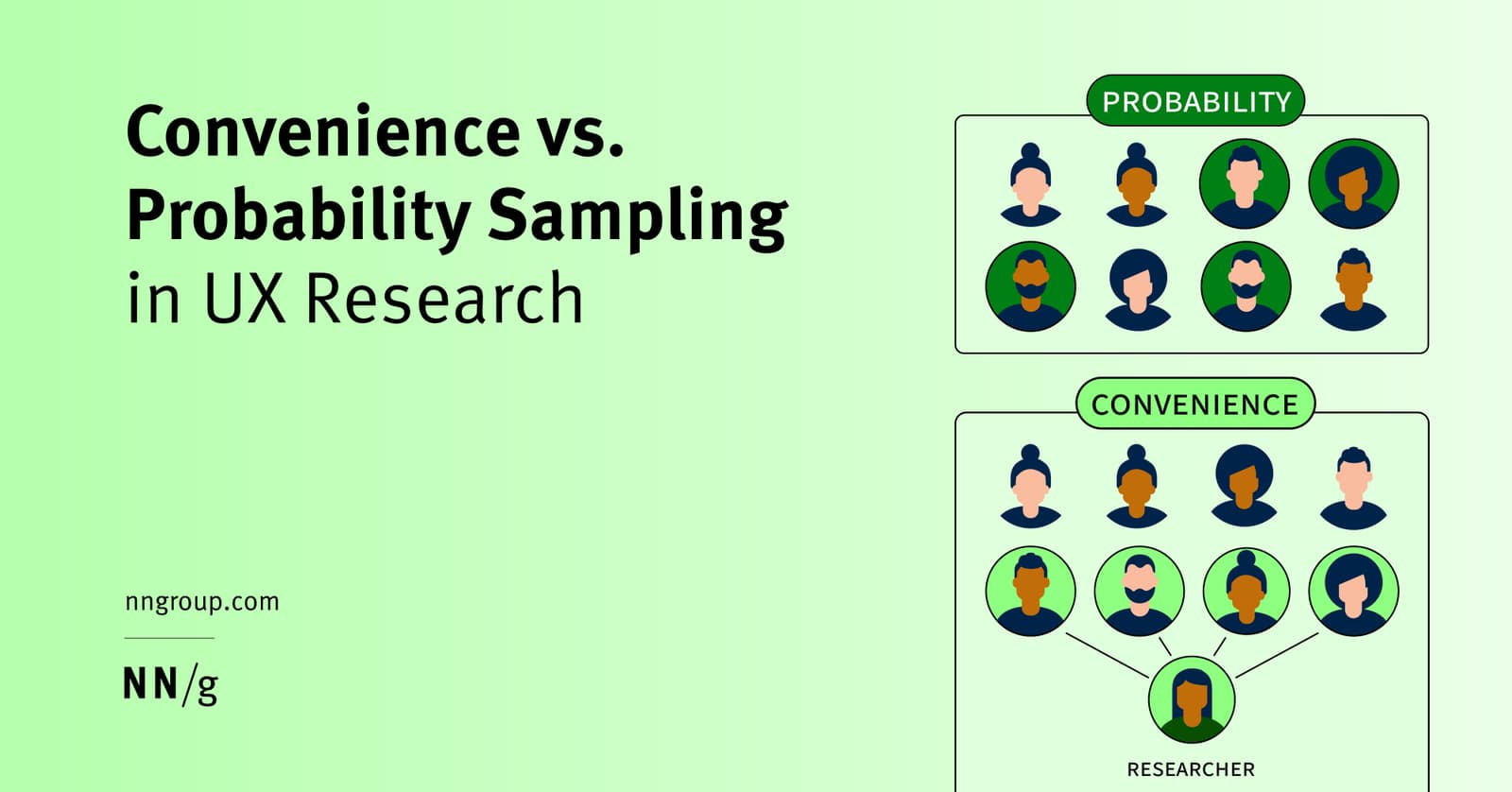
UX Sampling: Convenience vs. Probability
Convenience sampling is fast and cheap—ask whoever is easy to reach. Probability sampling is rigorous—ask a random slice of your population. Use convenience for quick usability tests, but probability for high-stakes decisions.
Pilot Studies: A Dress Rehearsal for User Research
A pilot study is a dress rehearsal for your user research. You run 1-2 practice sessions to find flaws in your study design, not the product. It's crucial for remote tests or high-stakes projects.
Snowball Sampling: When Your Users Find Your Users
Snowball sampling has your first participants recruit the next ones from their network. It's vital for reaching hidden groups, like specific professional communities. The footgun is selection bias: you're sampling social networks, not the whole population.

Screening UX Research Candidates
Screening surveys separate real users from professional testers and biased insiders before they skew your research. Without manual vetting of screener answers, convenience samples and speedrunners still pollute your design decisions.
UX Research Incentives: How Much to Pay Participants
Think of research incentives as an investment in data quality, not just a cost. For a 60-minute interview, budget $75-150 for consumers or $200-500 for specialists. The footgun is underpaying: you'll get poor data and waste everyone's time.
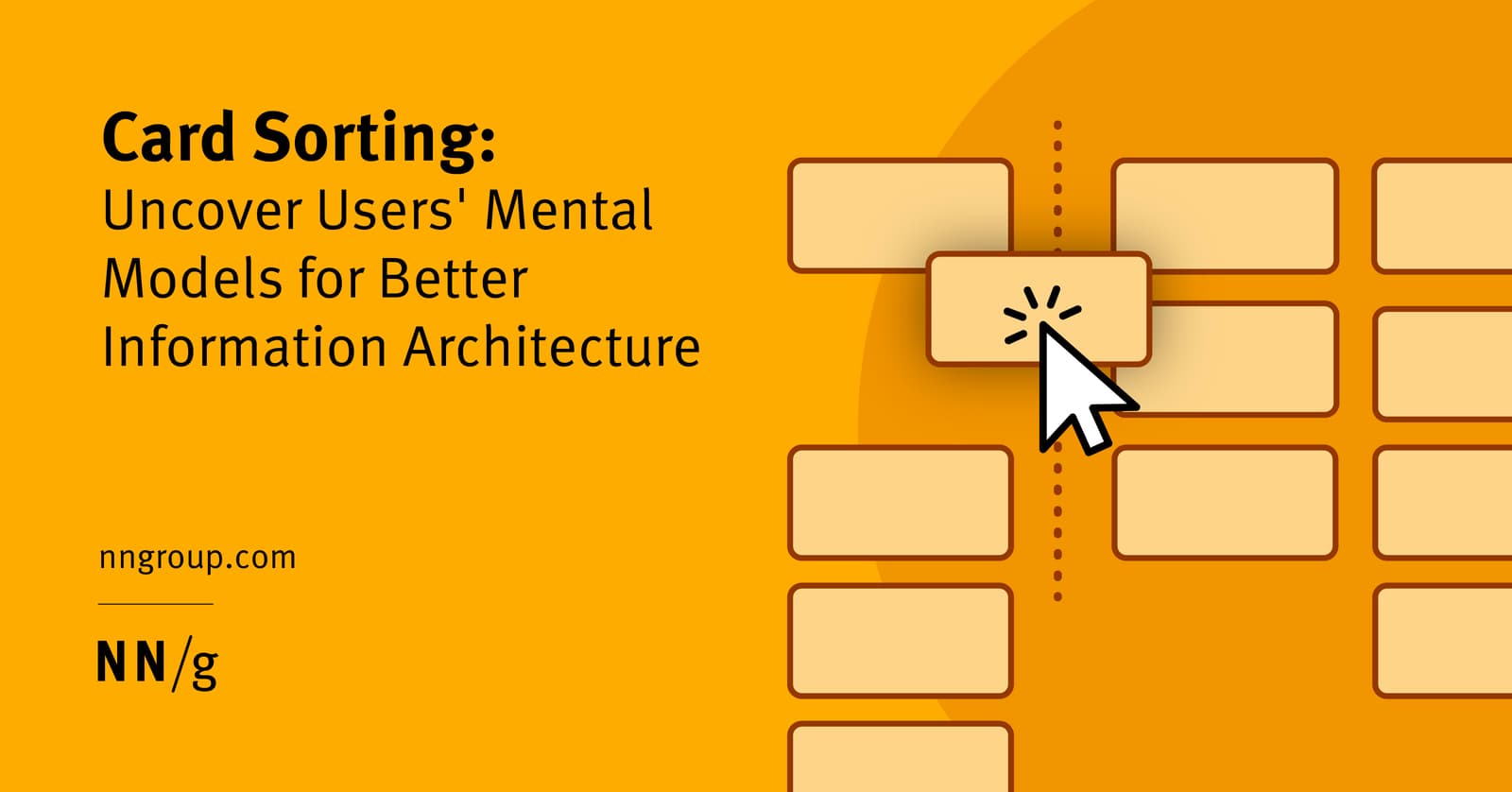
Open Card Sorting: Map Your User's Brain
Open card sorting reveals how users mentally group your content. You give them topics on cards and ask them to sort them into groups they create and name. It's ideal for designing intuitive navigation.
Participatory Design: Designing With, Not For, Users
Participatory design means designing *with* users as co-creators, not just *for* them. It's used in software, architecture, and urban planning to ensure the final product truly fits the community.
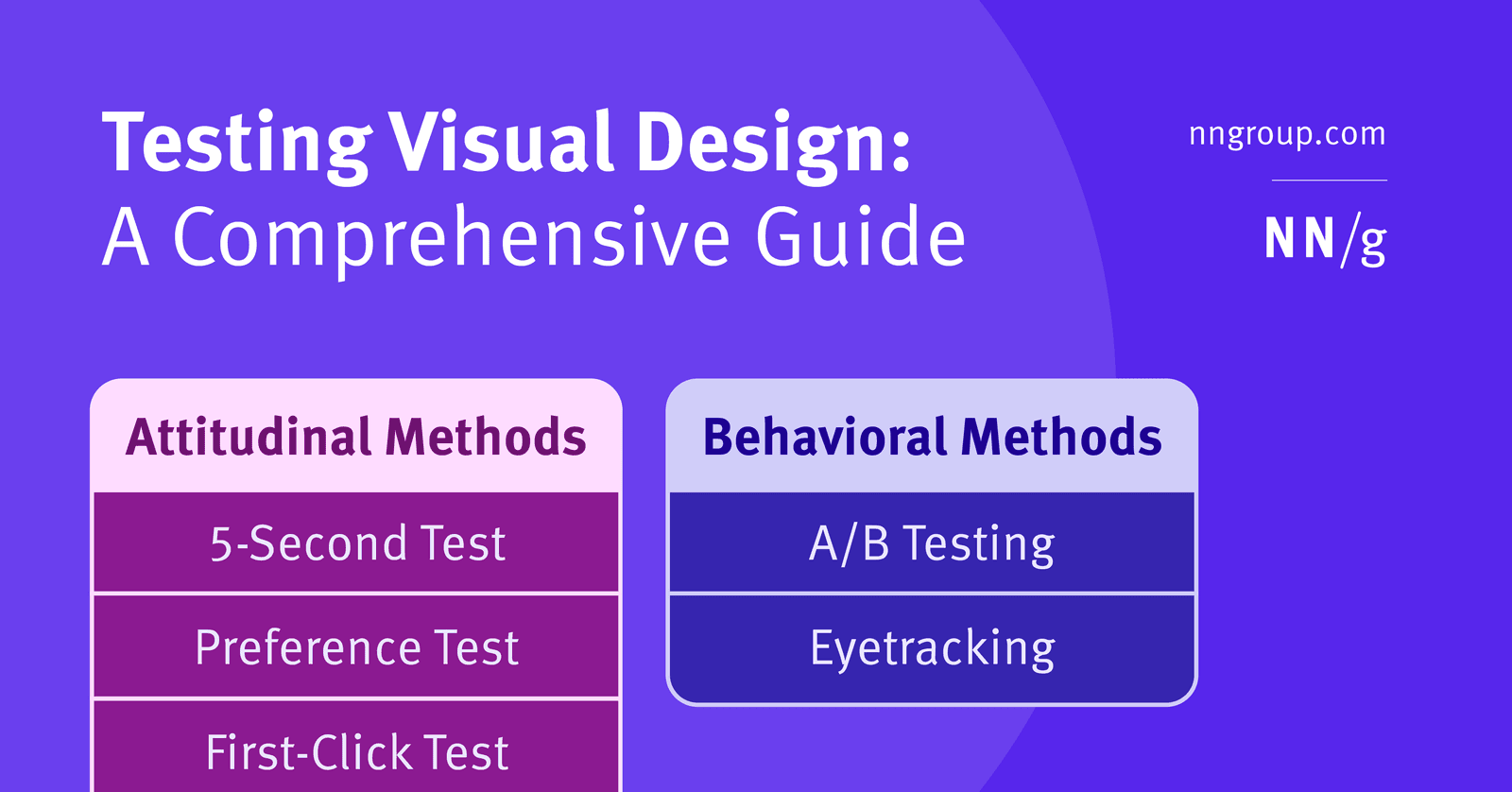
First Click Testing: Predicting Task Success with One Click
First Click Testing predicts if users can complete a task by tracking where they'd click first on an interface. If the first click is right, success is far more likely. It's used to validate navigation and UI clarity. The footgun is a poorly phrased task.
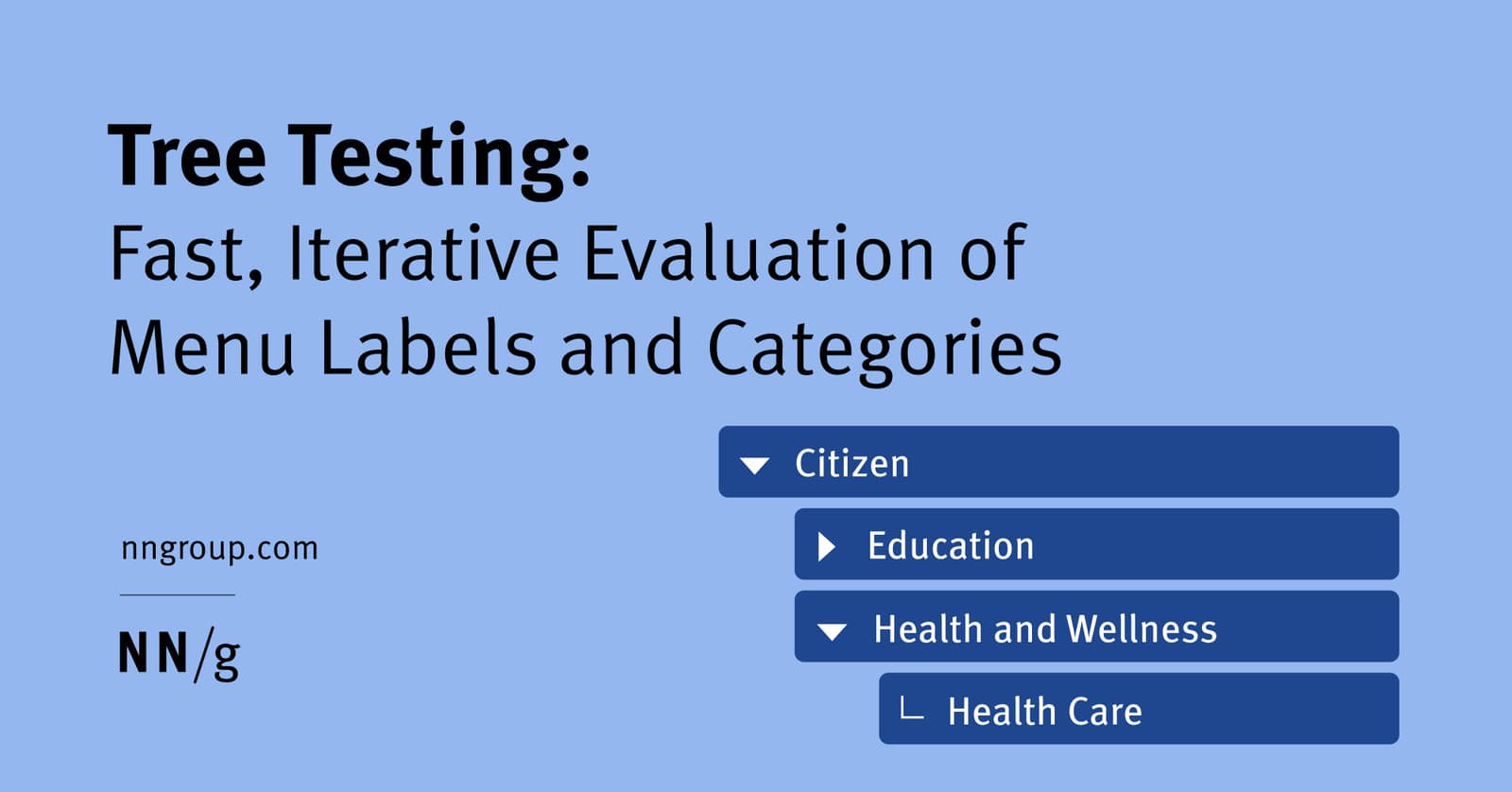
Tree Testing: Validate Your Site's Navigation Structure
Tree testing validates your site's navigation by asking users to find items in a text-only hierarchy. It's used to test a proposed information architecture before any UI is built. The footgun is confusing it with card sorting, which creates a structure.
Cognitive Walkthrough: See Through a New User's Eyes
A cognitive walkthrough is like role-playing a new user trying a specific task for the first time. It finds usability flaws early by simulating a first-time user's journey. The footgun is confusing it with a holistic review; this method is for specific tasks.
P-Value: Gauging Surprise, Not Certainty
A p-value measures surprise: it's the probability of seeing your results by chance, assuming your change had no effect. It's used in A/B testing to decide if an effect is noise or significant. A small p-value doesn't prove your hypothesis is true.

Customer Effort Score (CES): Measure Task Friction
Customer Effort Score (CES) measures how much work a customer expends to complete a task. It answers 'How easy was it?' right after a support interaction, purchase, or onboarding.
We are hiring for this. Every open role lists the topics its interview covers, so you can prepare for the real thing rather than guessing.
See open roles