Easy everything in Design & UX, page 7
Design a database schema for a blog with posts, authors, and tags
Tests normalization and many-to-many design. A strong answer covers a users table with role enum, a posts table referencing user_id, and a post_tags join table for categories. Red flag: storing tags as a comma-separated string in the posts table.
How would you design a centralized copy service for consistent UI text?
This tests separation of UI and content. A strong answer uses a key-value map with semantic IDs, a lookup hook, and context injection so components call copy.button.save. Red flag: raw strings in JSX or a database for static English-only copy.

How would you track clicks on headlines and calls-to-action?
This tests DOM event handling and basic telemetry design. A strong answer covers event delegation with addEventListener, data attributes for element IDs, and a payload with timestamp and page context.

How would you A/B test sign-up button copy and measure results?
This tests basic experimental design. A strong answer covers: random assignment, serving variant copy, tracking impressions and conversions, and measuring lift. A red flag is sequential testing or vanity metrics like clicks without sign-ups.
Slugline: The Screenplay Scene Marker
A slugline is the screenplay element that announces a new scene. It anchors the script's structured format by marking scene changes and setting the stage for the action and dialogue that follow.
The 4 P's Formula: Picture, Promise, Prove, Push
The 4 P's formula structures persuasive copy in four steps: picture, promise, prove, push. It shines in emails and landing pages that must convert attention fast.
The Rainbow Spreadsheet: Collaborative UX Observation
A Rainbow Spreadsheet makes UX research a team sport. It's a shared doc where observers log findings in real-time, with each participant assigned a color. This replaces a slow, formal report and builds shared understanding.
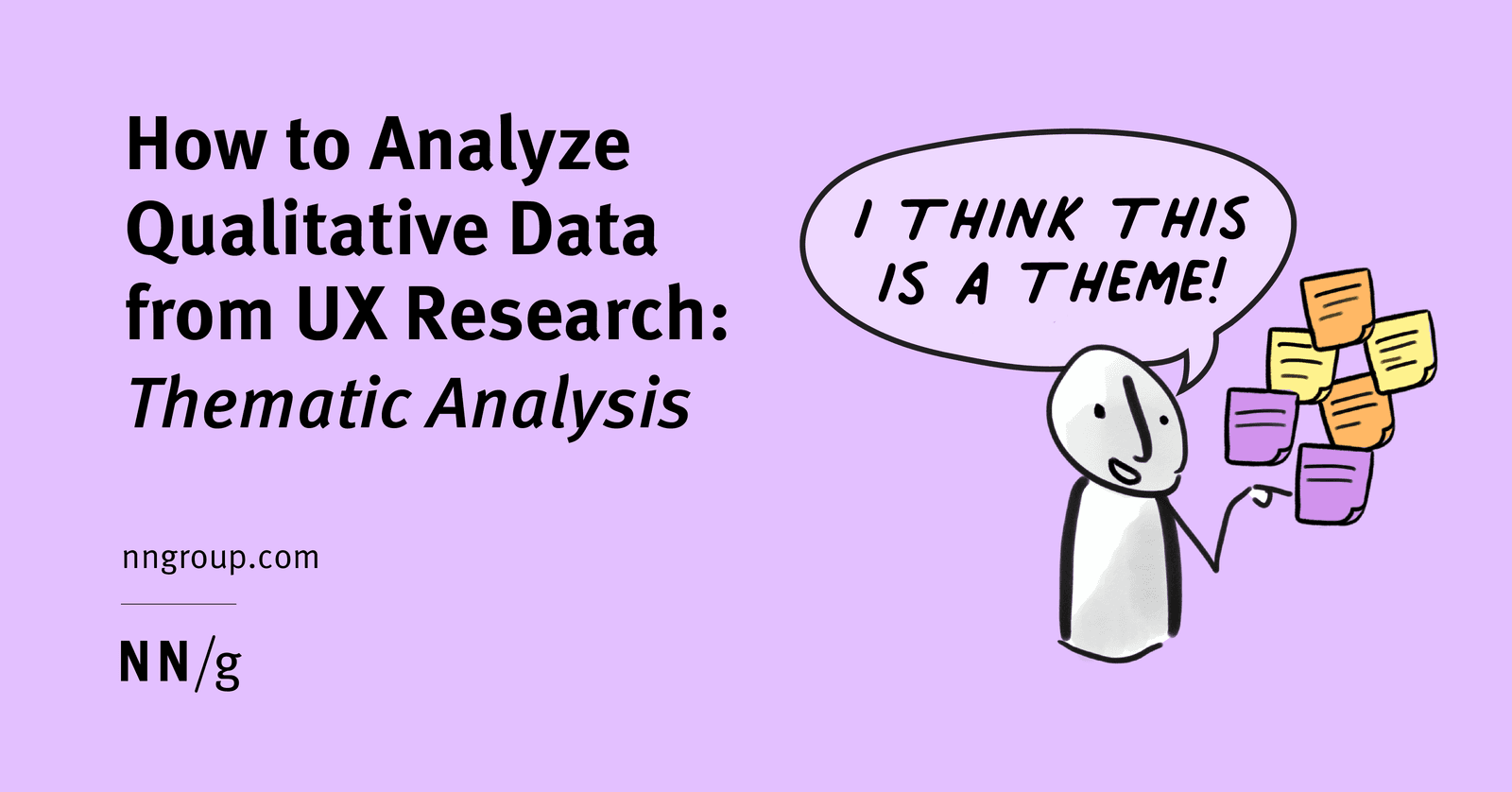
Qualitative Coding: Turning User Chatter into Actionable Themes
Think of thematic analysis as creating a tag cloud for user interviews. It groups raw feedback into meaningful patterns, turning noise into signal. Used after interviews to make sense of transcripts, the biggest mistake is just describing what users said.
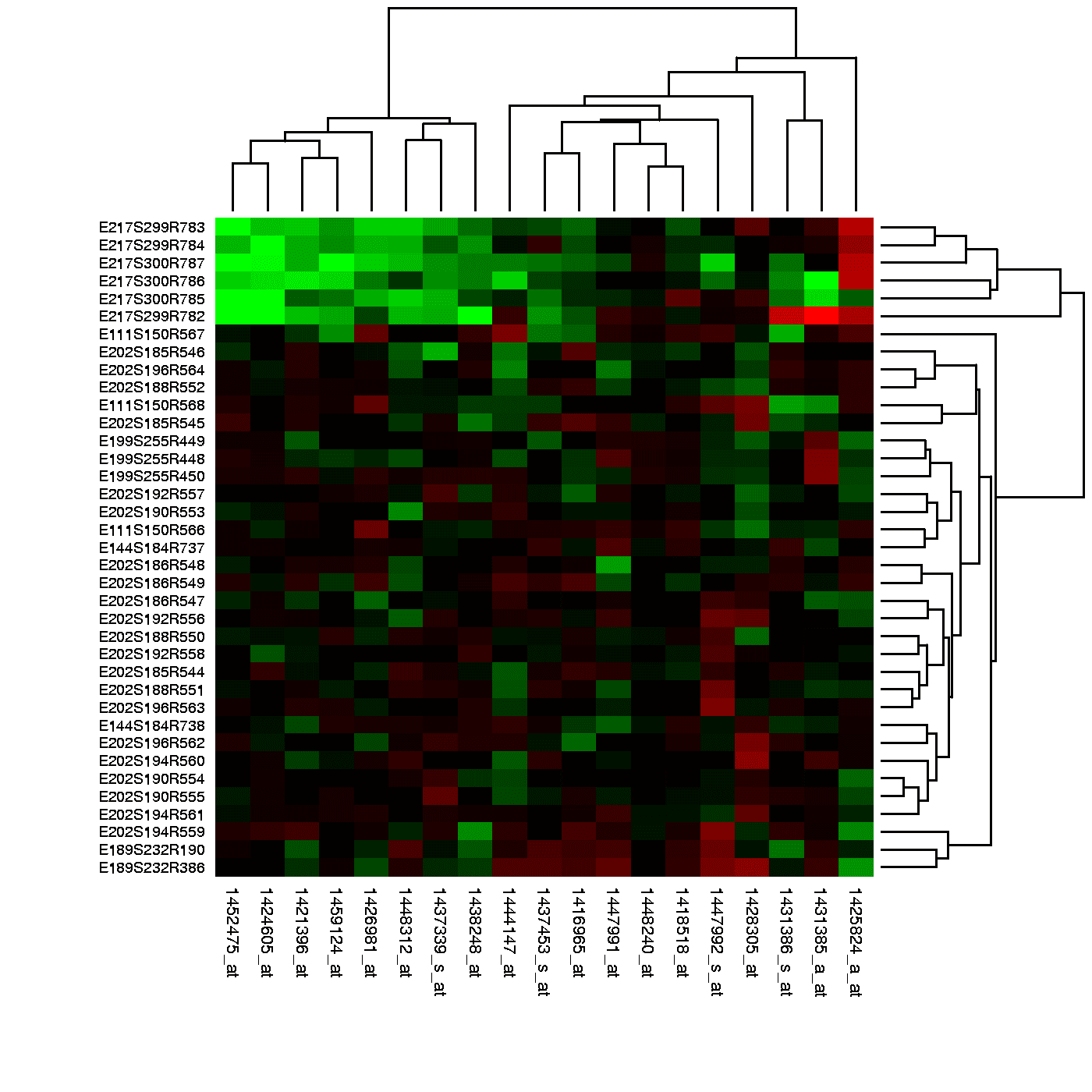
Heatmaps: Visualizing User Attention
Think of a heatmap as a weather map for your app, showing 'hot' spots of user clicks and 'cold' spots they ignore. It reveals if users are clicking key buttons or getting distracted. The footgun: a hot spot can mean rage-clicks, not just engagement.
CSAT: Measuring If You Met Customer Expectations
CSAT measures if your product met a customer's expectations for a specific interaction. It's used to evaluate experiences like a support call or purchase, giving a direct pulse check on service quality.

Likert Scale: A Ruler for Opinions
A Likert scale turns subjective feelings into data by asking users to rate their agreement with a statement on a balanced scale. It's used in UX surveys to gauge attitudes.
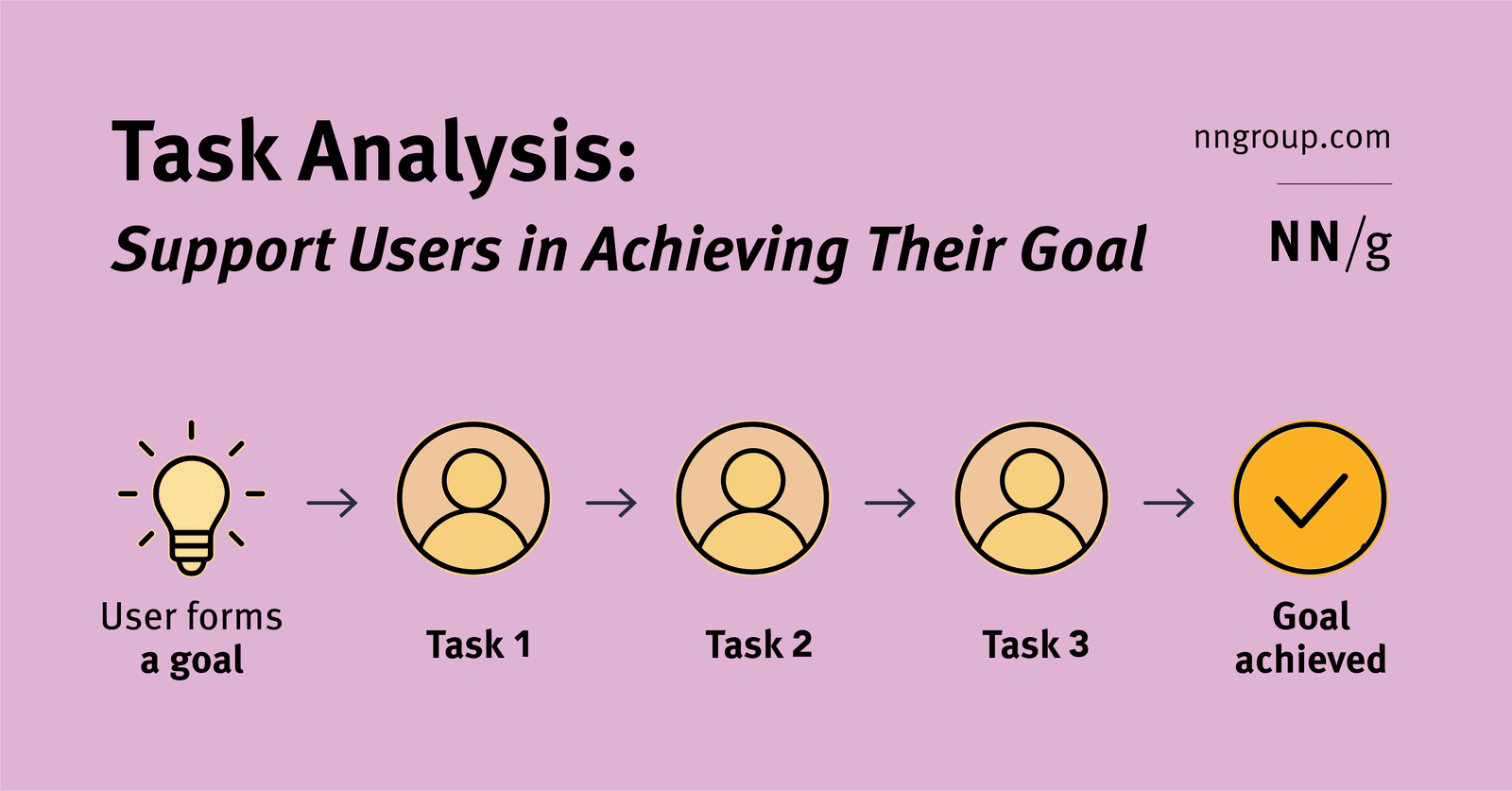
Task Analysis: Mapping User Goals to Actions
Task analysis maps the specific actions (tasks) a user takes to achieve their larger objective (goal). It's used to ensure a product actually helps users, not just creates busywork. The key mistake is designing for the task instead of the user's true goal.
Think Aloud Protocol: Hear Your User's Inner Monologue
See your product through a user's eyes by having them narrate their thoughts live during a task. It's used in usability testing to uncover confusion, mismatched expectations, and the "why" behind clicks.
Semi-Structured Interviews: Uncover User Needs Through Conversation
A semi-structured interview is a guided conversation, not a rigid script, to uncover the 'why' behind user needs. Use it in discovery to define problems before designing.
Recruiting from a Customer Research Panel
Think of a customer research panel as your on-call list of users who've agreed to give feedback, making recruiting fast and cheap. Use it for a steady stream of participants for frequent studies.
Research Objectives: From 'What If' to 'What to Test'
Research objectives translate vague business worries into specific, testable questions about user behavior. They are the blueprint for your study, ensuring you test what matters.
UX Research Questions: The 'Why' Before the 'What'
A research question is your study's North Star—the high-level "why" you're conducting research, not a question you ask users. Before writing an interview guide, define these to keep your study focused.
Debriefing: Closing the Loop in Research
Debriefing is a structured conversation after a research session to gather feedback and clarify observations. Use it after usability tests to understand a user's thought process and answer their questions.
UX Research: Building for Real People, Not Assumptions
UX Research is about watching what people *do*, not just what they *say*, to build products that solve their actual problems. It's used to design everything from websites to medical devices, guiding development with real user feedback.
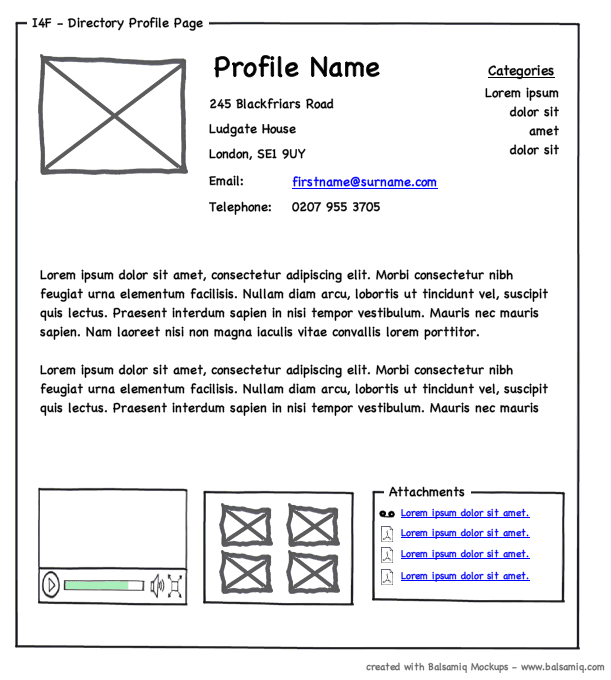
Wireframing: The Blueprint for Your UI
A wireframe is a UI blueprint that shows a screen's structure, not its visual design. Use it early to agree on layout and function before getting lost in colors and fonts. The footgun is adding too much detail, which distracts from its core purpose.
We are hiring for this. Every open role lists the topics its interview covers, so you can prepare for the real thing rather than guessing.
See open roles