Everything in Design & UX, page 37

Research Hypothesis: A Testable Bet on Reality
A research hypothesis is a testable bet about user behavior, not just a guess. It frames A/B tests by turning an observation into a statement you can prove or disprove. The footgun is confusing it with a theory; a hypothesis is a starting point, not.
Research Objectives: From 'What If' to 'What to Test'
Research objectives translate vague business worries into specific, testable questions about user behavior. They are the blueprint for your study, ensuring you test what matters.

UX Research Questions: The 'Why' Before the 'What'
A research question is your study's North Star—the high-level "why" you're conducting research, not a question you ask users. Before writing an interview guide, define these to keep your study focused.
Deception: The Core Concept
Deception is the act of convincing someone of untrue information that the sender knows is false. It's often done for personal gain and relies on the receiver's lack of knowledge about the truth.

GDPR for UX Research: Beyond the Consent Form
GDPR forces you to treat user data with respect: collect only what you need for a specific purpose and keep it safe. It applies to all research involving personal data from EU residents. The biggest footgun is collecting data "just in case."
Institutional Review Board (IRB): Your Research Ethics Checkpoint
An IRB is an ethics committee that acts as a mandatory checkpoint for research involving human subjects. Before running user studies or surveys, especially in academic or medical settings, you must get their approval.
Securing Research Data with a Management System
Treat data security as a living system for managing risk, not a one-off checklist. A framework like ISO 27001 helps you systematically protect sensitive research data by defining policies and controls.
Data Minimization: Collect Only What You Need
Treat user data like a liability, not an asset. The Data Minimization principle states you should only collect personal data that is strictly necessary for a specific purpose. This is a core tenant of GDPR. The footgun is collecting data "just-in-case".
Debriefing: Closing the Loop in Research
Debriefing is a structured conversation after a research session to gather feedback and clarify observations. Use it after usability tests to understand a user's thought process and answer their questions.

UX Research Repository: Your Team's Shared Brain
A research repository is your team's shared brain for user insights, preventing knowledge from getting lost. It centralizes reports, recordings, and notes, making them searchable to prevent duplicate studies. The main footgun is poor adoption.
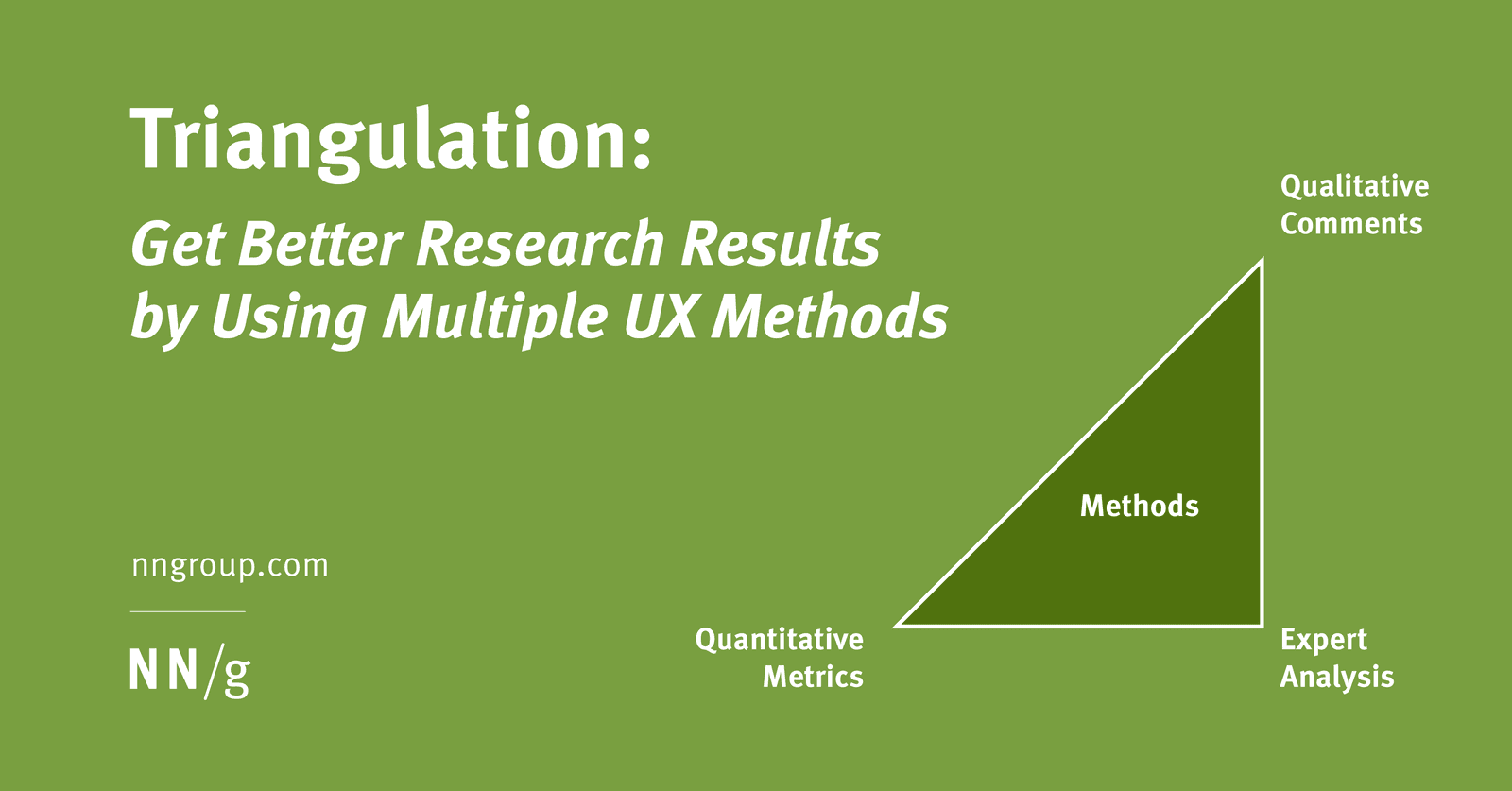
Triangulation: Stronger UX Insights from Multiple Angles
Triangulation strengthens research by combining methods to cover each one's blind spots. For example, pair a quantitative study showing *what* users do with a qualitative one explaining *why*. The footgun is treating a single data source as definitive proof.
UX Ethics: A Professional Code of Conduct
UX ethics formalizes your responsibility to users. It's about centering human well-being, being transparent with data, and actively preventing harm. This guides decisions from research to launch.
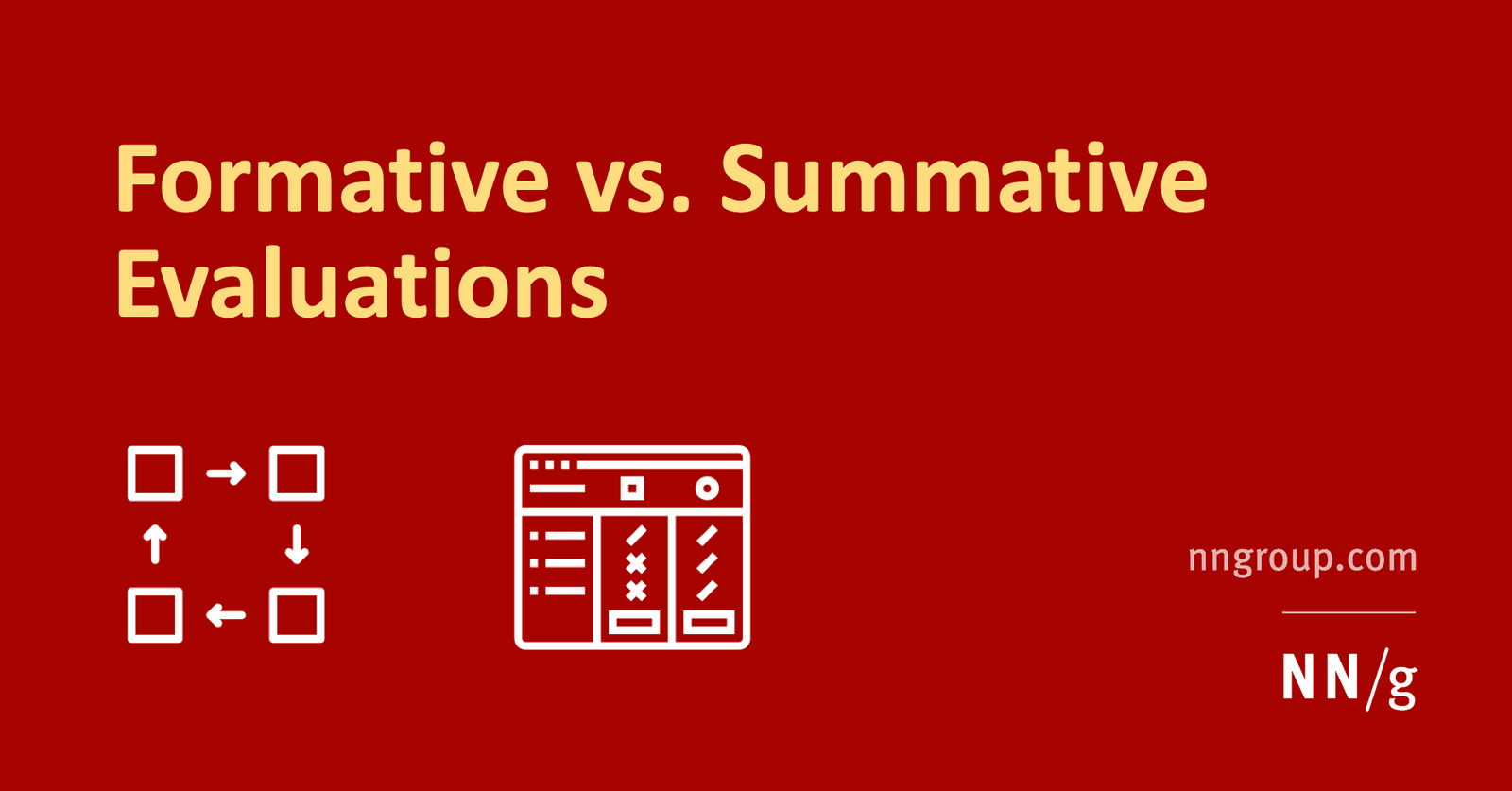
Formative vs. Summative Evaluation: Improve vs. Judge
Formative evaluation improves a design in progress; summative evaluation judges a finished one. Use formative tests to find and fix flaws iteratively. Use summative tests to measure a shipped product against a benchmark, like a prior version or a competitor.
Jobs to Be Done: Sell the Hole, Not the Drill
The Jobs to Be Done framework says customers 'hire' products to get a job done. Instead of selling a drill, sell the quarter-inch hole. This reframes innovation around stable customer needs, not temporary product features.
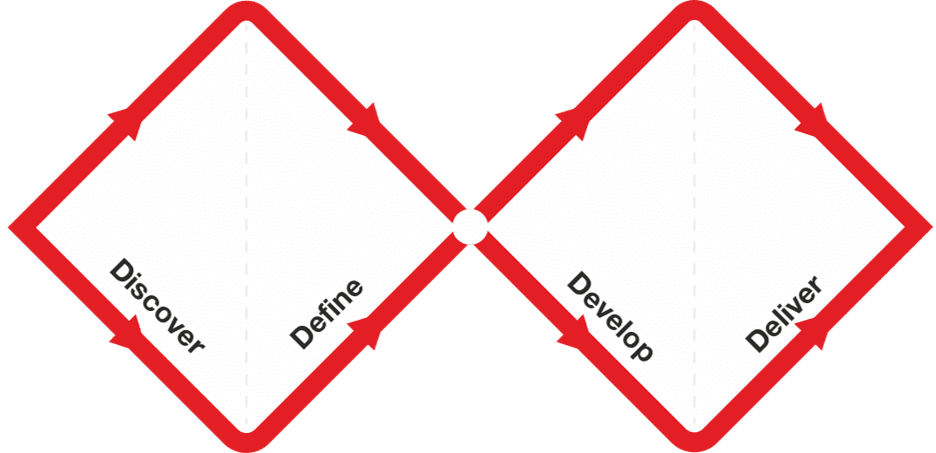
Double Diamond: Explore, Then Focus, Twice
The Double Diamond model prevents building the wrong thing by forcing two cycles of 'go wide, then narrow down.' First, explore the problem space, then define a specific problem. Second, explore solutions, then deliver a tested one.
UX Research: Building for Real People, Not Assumptions
UX Research is about watching what people *do*, not just what they *say*, to build products that solve their actual problems. It's used to design everything from websites to medical devices, guiding development with real user feedback.
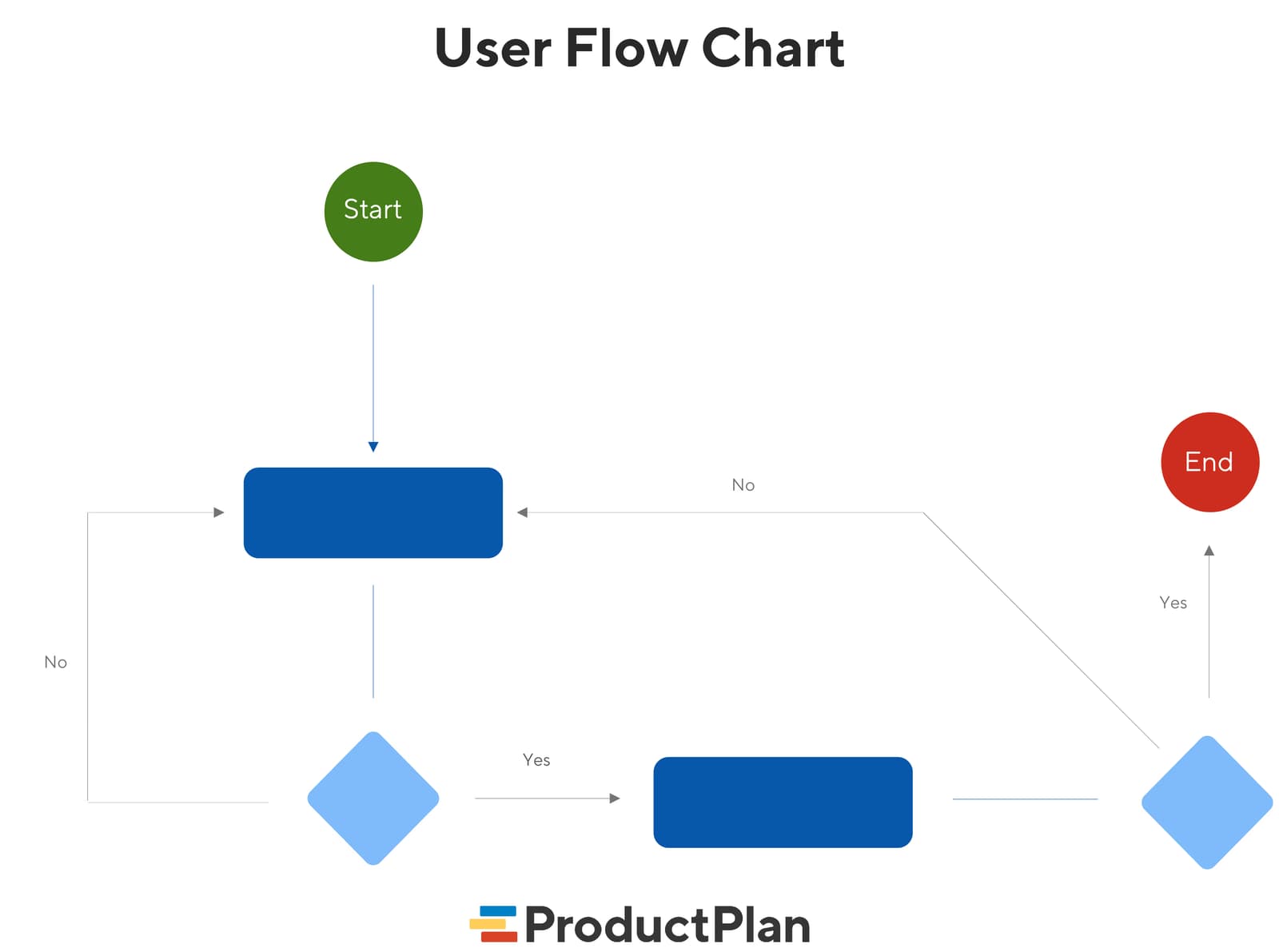
User Flow Diagrams: Mapping the Path to 'Done'
A user flow diagram maps the exact steps a user takes in your app to complete one task. It aligns teams on product goals and gives developers a visual guide, preventing confusion and rework. The footgun: it's not a customer journey, which is far broader.
Realistic UI Motion with Easing Curves
Easing curves control animation acceleration to make UI motion feel natural, not robotic. Use 'Ease Out' for elements entering the screen and 'Ease In' for those leaving. The footgun is overusing one curve; this makes motion feel unnaturally perfect.
Figma Widgets: Live Apps on Your Canvas
Figma Widgets are like mini-apps living on your canvas that everyone interacts with at once, unlike single-user plugins. Use them for collaborative tools like live polls or data tables.
Figma: Local vs. Published Library Assets
Local Figma assets are private drafts; published assets are the team's shared toolkit. Use this to manage a central design system, but remember: if you don't publish your changes, your team will be using outdated components and variables.
We are hiring for this. Every open role lists the topics its interview covers, so you can prepare for the real thing rather than guessing.
See open roles