All bites
The whole library, newest first. Filter by what you are here for, or pick a topic if you already know.
4247 bites
Page 52

How to Choose a UX Research Method
Map your research question to a 3D space: what people say vs. do (attitudinal vs. behavioral), and direct observation vs. indirect measurement (qual vs. quant). This helps you select the right tool, from surveys to A/B tests.
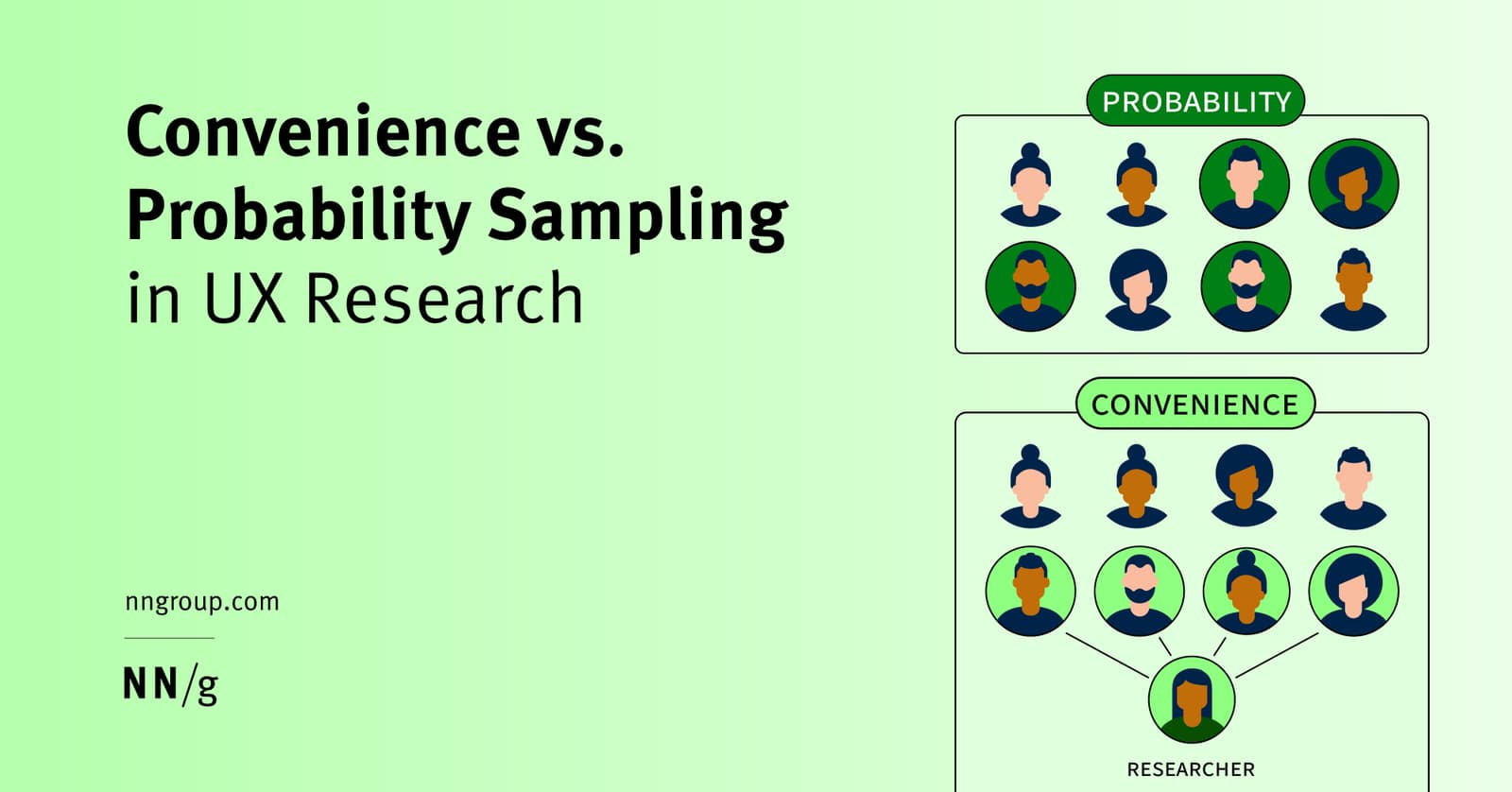
UX Sampling: Convenience vs. Probability
Convenience sampling is fast and cheap—ask whoever is easy to reach. Probability sampling is rigorous—ask a random slice of your population. Use convenience for quick usability tests, but probability for high-stakes decisions.
Pilot Studies: A Dress Rehearsal for User Research
A pilot study is a dress rehearsal for your user research. You run 1-2 practice sessions to find flaws in your study design, not the product. It's crucial for remote tests or high-stakes projects.
Longitudinal Study: Watching Change Over Time
Think of it as a movie, not a snapshot. A longitudinal study tracks the same users over time to see how behavior evolves, revealing cause and effect. It's used to measure long-term feature adoption or churn.

UX Roadmap: Strategic Alignment for Research Teams
A UX roadmap trades plans for alignment, mapping work across Now, Next, and Future horizons so teams share one North Star. Use it to justify research spend and prevent silos. The footgun is treating it as a static handoff instead of a living ritual.
Recruiting from a Customer Research Panel
Think of a customer research panel as your on-call list of users who've agreed to give feedback, making recruiting fast and cheap. Use it for a steady stream of participants for frequent studies.
Snowball Sampling: When Your Users Find Your Users
Snowball sampling has your first participants recruit the next ones from their network. It's vital for reaching hidden groups, like specific professional communities. The footgun is selection bias: you're sampling social networks, not the whole population.

Screening UX Research Candidates
Screening surveys separate real users from professional testers and biased insiders before they skew your research. Without manual vetting of screener answers, convenience samples and speedrunners still pollute your design decisions.
UX Research Incentives: How Much to Pay Participants
Think of research incentives as an investment in data quality, not just a cost. For a 60-minute interview, budget $75-150 for consumers or $200-500 for specialists. The footgun is underpaying: you'll get poor data and waste everyone's time.
Semi-Structured Interviews: Uncover User Needs Through Conversation
A semi-structured interview is a guided conversation, not a rigid script, to uncover the 'why' behind user needs. Use it in discovery to define problems before designing.
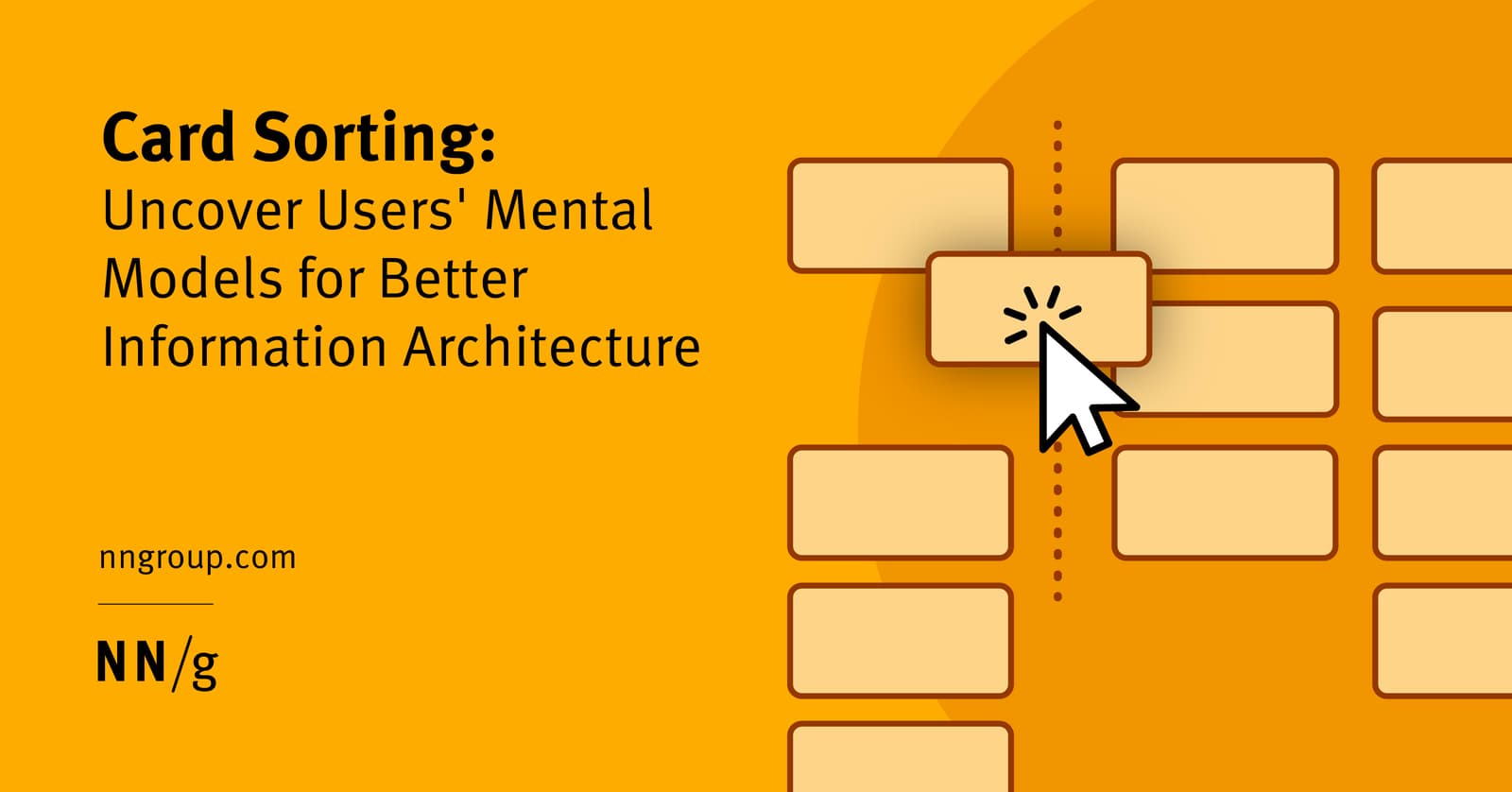
Open Card Sorting: Map Your User's Brain
Open card sorting reveals how users mentally group your content. You give them topics on cards and ask them to sort them into groups they create and name. It's ideal for designing intuitive navigation.
Participatory Design: Designing With, Not For, Users
Participatory design means designing *with* users as co-creators, not just *for* them. It's used in software, architecture, and urban planning to ensure the final product truly fits the community.
User Mental Models: What Users Believe About Your System
A user's mental model is their internal story of how your system works, based on belief, not facts. It shapes every interaction, from predicting button actions to checkout flows.
Cultural Probes: Inspire, Don't Analyze
Cultural probes are like a creative care package for users, designed to capture inspirational moments, not to collect analyzable data. They help designers understand a user's world and values early in a project.
Think Aloud Protocol: Hear Your User's Inner Monologue
See your product through a user's eyes by having them narrate their thoughts live during a task. It's used in usability testing to uncover confusion, mismatched expectations, and the "why" behind clicks.
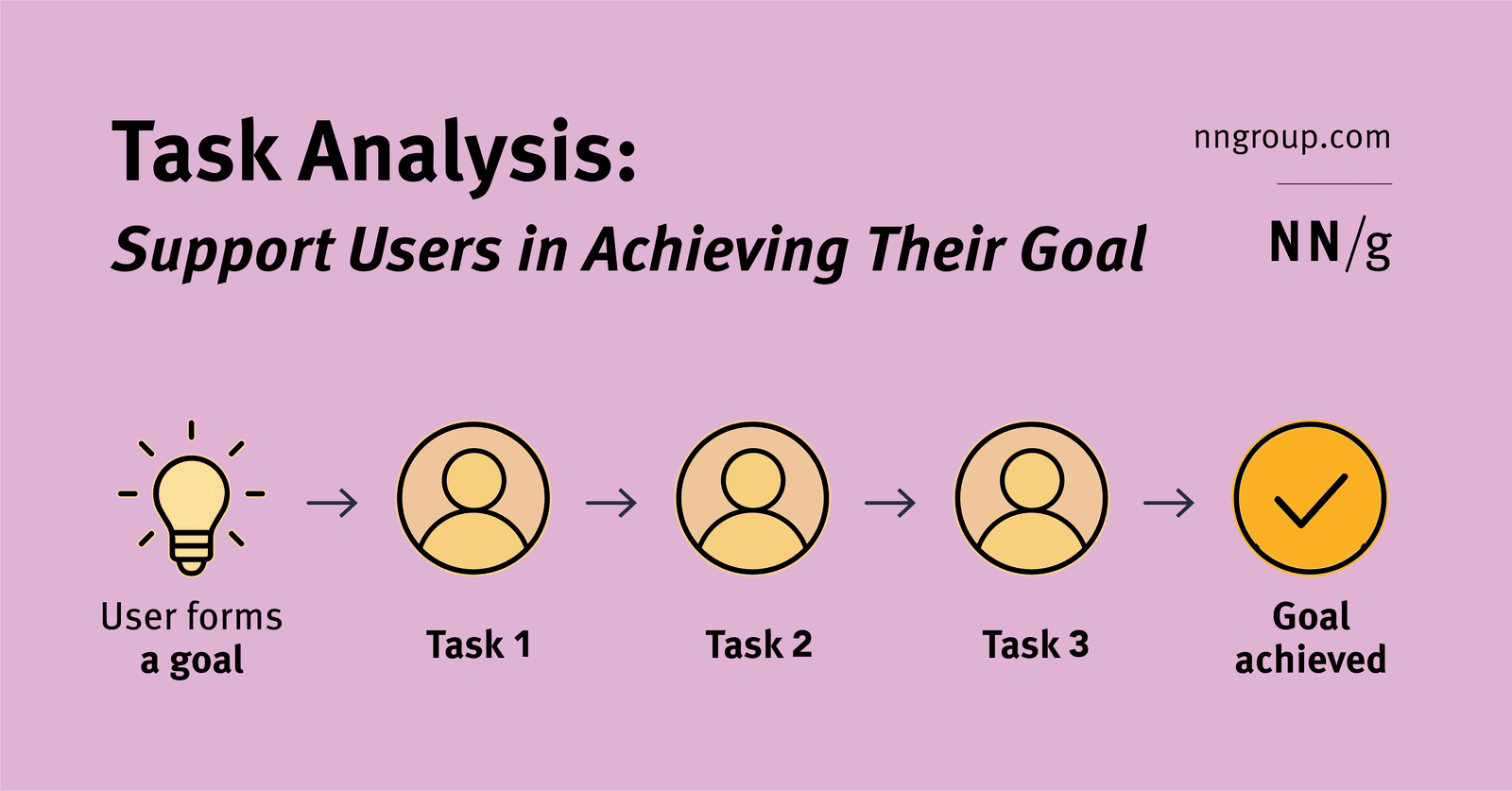
Task Analysis: Mapping User Goals to Actions
Task analysis maps the specific actions (tasks) a user takes to achieve their larger objective (goal). It's used to ensure a product actually helps users, not just creates busywork. The key mistake is designing for the task instead of the user's true goal.
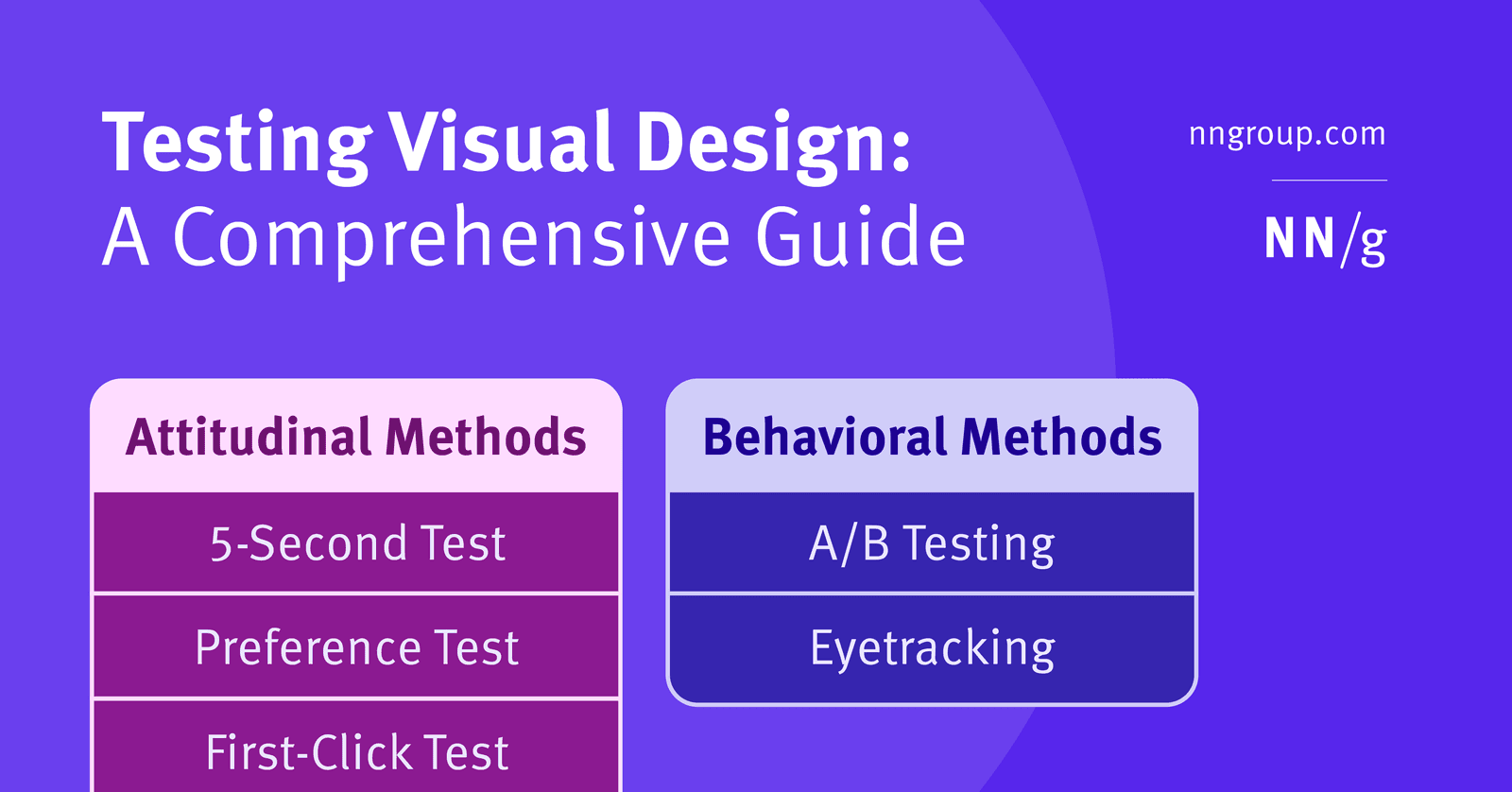
First Click Testing: Predicting Task Success with One Click
First Click Testing predicts if users can complete a task by tracking where they'd click first on an interface. If the first click is right, success is far more likely. It's used to validate navigation and UI clarity. The footgun is a poorly phrased task.
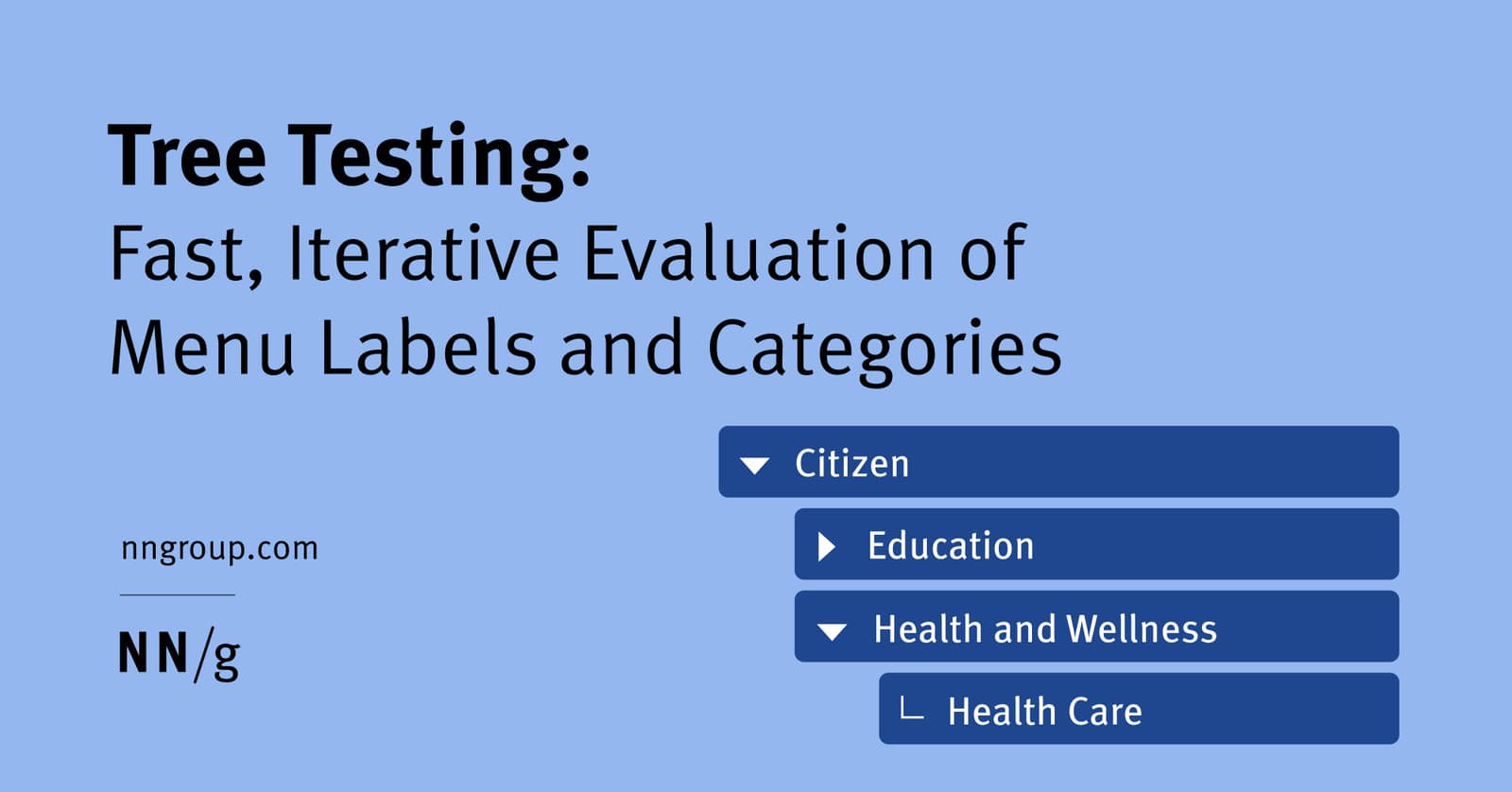
Tree Testing: Validate Your Site's Navigation Structure
Tree testing validates your site's navigation by asking users to find items in a text-only hierarchy. It's used to test a proposed information architecture before any UI is built. The footgun is confusing it with card sorting, which creates a structure.
Cognitive Walkthrough: See Through a New User's Eyes
A cognitive walkthrough is like role-playing a new user trying a specific task for the first time. It finds usability flaws early by simulating a first-time user's journey. The footgun is confusing it with a holistic review; this method is for specific tasks.
Desirability Testing: Quantifying User Feelings
Desirability testing quantifies user feelings with a controlled vocabulary, asking them to pick words from a list that describe a design. It measures emotional response to visual appeal or UX, often with just a screenshot.